

Remote Productivity Tools for 2027: 12 Picks Ranked by Use Case
12 productivity tools for remote professionals, with current pricing, free plans, AI limits and starter stacks by team size. One tool per job, no filler.
Updated 17 min read

12 productivity tools for remote professionals, with current pricing, free plans, AI limits and starter stacks by team size. One tool per job, no filler.
The best productivity tools for remote work in 2027 each own one job. Use Motion or Reclaim.ai for the calendar and Todoist or ClickUp for tasks. Pick Notion or Obsidian for knowledge, and Zapier to move data between them.
Motion rebuilds your schedule when priorities shift. Reclaim.ai defends focus blocks inside the calendar you already use.
Below are 12 tools grouped by the job they do, with prices checked against each vendor's pricing page in November 2026, plus the plan limits that change the real cost.
One thing to address upfront: Ali Abdaal titled his roundup "I Tried 137 Productivity Tools," and one of the tools he calls a favorite "of all time" is a pen and paper journal.
One r/productivity reply to a thread about tool overload sums up the same instinct: "You want one calendar, one todo list, and one note book." This guide follows that rule: each tool is the best option for one specific job, and the goal is not to collect all 12.
Software | Best For | Key Features | Entry Paid Price | Free Plan | Platforms |
|---|---|---|---|---|---|
AI schedule building | Auto-scheduling, AI tasks, docs and meetings | $19/seat/mo billed annually (Pro AI) | No (free trial) | Web, iOS, Android, desktop | |
Calendar defense | Focus Time, Habits, Smart Meetings, task sync | $10/seat/mo billed yearly (Starter) | Yes (Lite) | Web, Google Calendar, Outlook | |
Task capture | Quick Add, Ramble voice capture, calendar layout (Pro) | $5/mo billed yearly (Pro) | Yes (5 projects) | Web, iOS, Android, Mac, Windows | |
Team consolidation | Brain² AI, tasks, docs, chat, dashboards | $9/user/mo billed yearly (Core) | Yes | Web, iOS, Android, Mac, Windows | |
Knowledge management | Wikis, databases, Notion Agent (Business) | $10/seat/mo (Plus) | Yes | Web, iOS, Android, Mac, Windows | |
Long-form notes | Local Markdown files, links, Bases, community plugins | Free, Sync $4/user/mo billed annually | Yes | Mac, Windows, Linux, iOS, Android | |
Meeting notes | Bot-free device audio capture, AI notes, MCP | $14/user/mo (Business) | Yes (Basic) | Mac, Windows, iOS, Android | |
Meeting archives | Meeting agent, live transcription, MCP server | $8.33/user/mo billed annually (Pro) | Yes (300 min/mo) | Web, iOS, Android | |
AI thinking partner | Reasoning models, projects, custom GPTs, memory | $20/mo (Plus) | Yes | Web, iOS, Android, desktop | |
Distributed writing | Tone, full-sentence rewrites, AI prompts | $12/mo (Pro) | Yes | Web, browser extensions, desktop, mobile | |
Email at volume | Keyboard-first Mail, AI drafts in your voice | $33/member/mo billed annually (Business, includes Mail) | Free plan has no Mail | Gmail and Microsoft 365 accounts | |
Tool automation | 9,000+ apps, multi-step Zaps, Zapier MCP | From $19.99/mo (Professional) | Yes (100 tasks/mo) | Web |
12 best productivity tools for remote professionals compared
Best for professionals who want AI to own their schedule
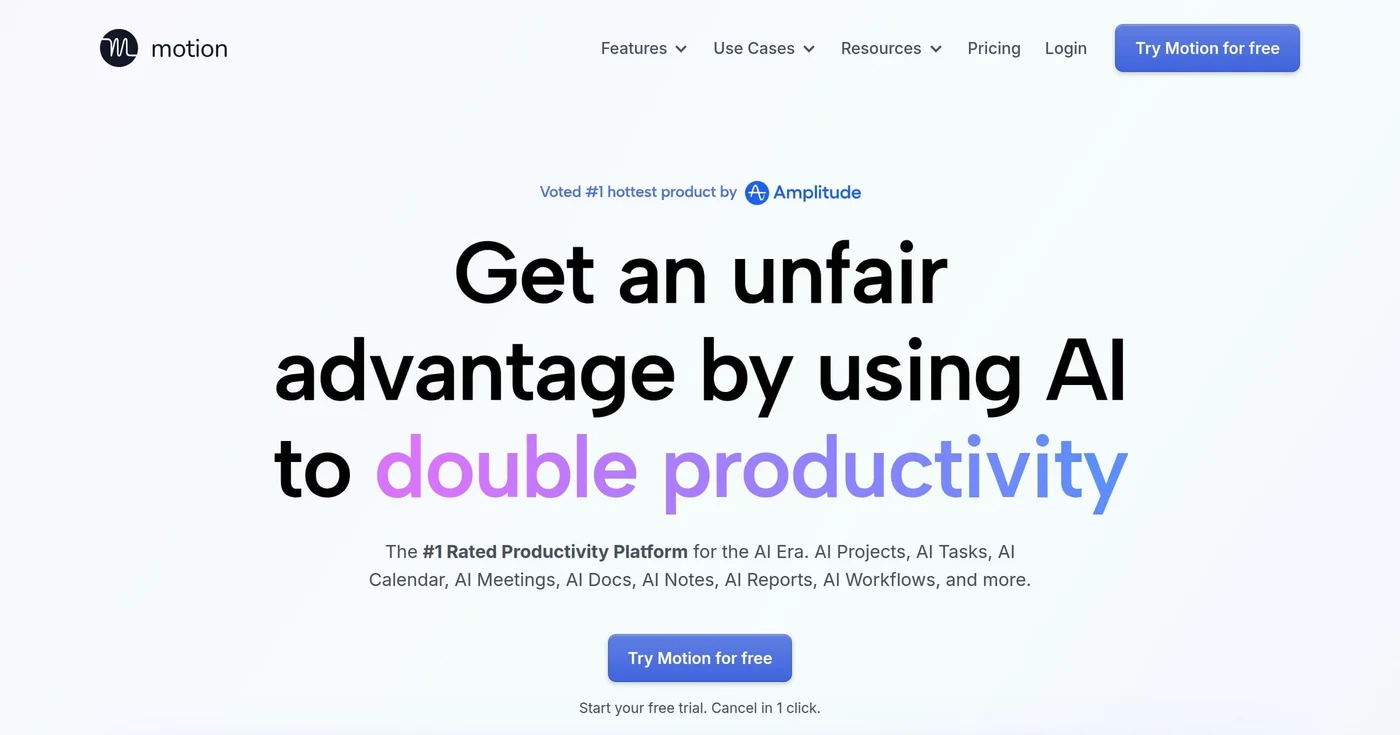
Motion is built around one premise: your daily schedule should be a solved problem, not a daily decision. Connect your calendar, add tasks with deadlines, and Motion works out when each task gets done, reshuffling the plan when a meeting appears or a priority shifts.
That is the difference from a chat assistant. Motion places each task at a specific time on your calendar instead of handing you a suggestion to drag into place.
Pricing reality: Pro AI costs $19/seat/mo and Business AI $29/seat/mo on annual billing, which Motion says saves 33% over monthly. AI use runs on credits: Pro AI includes 7,500 credits per seat per month (extra credits at 25 cents per 100), and Business AI includes 15,000 (19 cents per 100). There is a free trial but no free plan.
Credit limits and overage rates at usemotion.com/pricing.
Best for teams protecting deep focus time
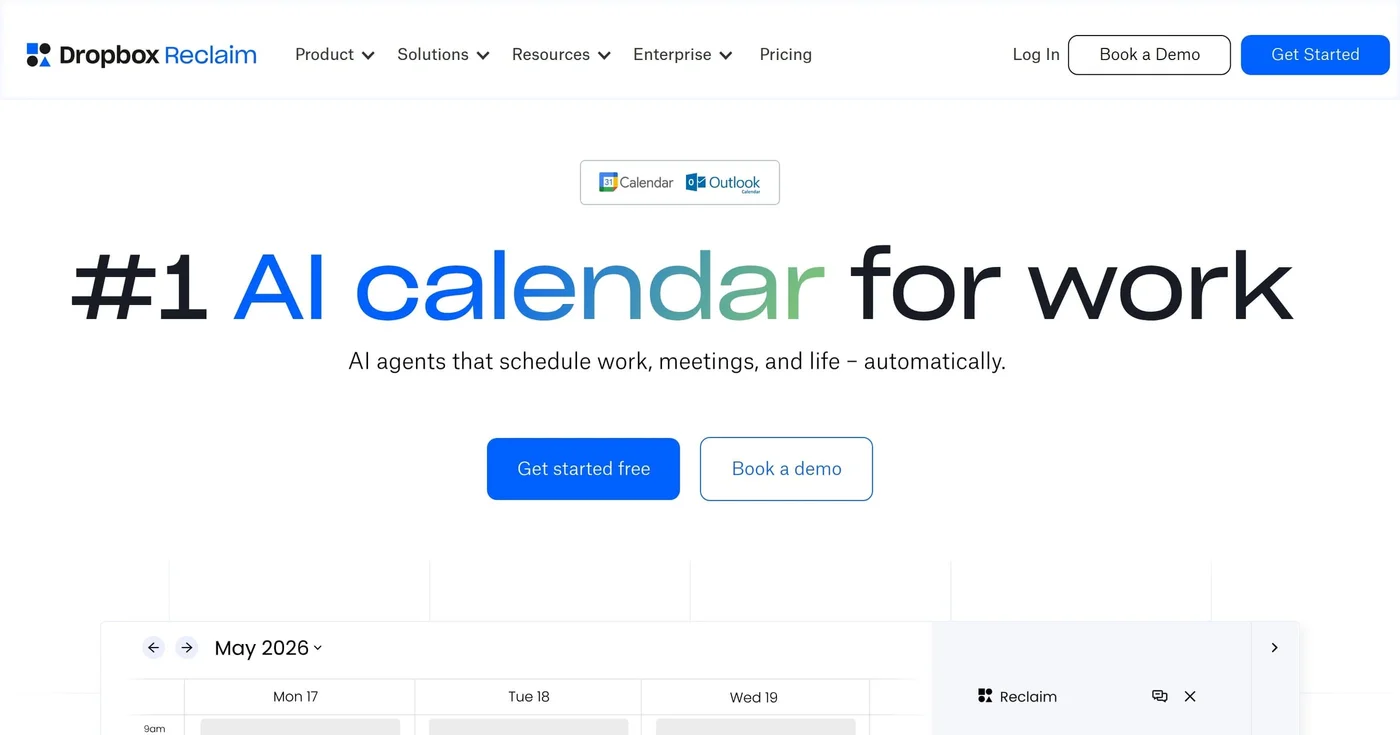
Where Motion replaces your task manager, Reclaim.ai slots into your existing one. It integrates with Todoist, Asana, ClickUp, Jira, Linear and Google Tasks, pulls your task data, and books focus time on your calendar before meetings can take it. It works with both Google Calendar and Outlook, and it has been part of Dropbox since an August 2024 acquisition.
Reclaim reports more than 600,000 users across 70,000 companies and says users get 7.6 more hours of focus time per week. Treat that as the company's own number.
Pick Reclaim if you want to keep your task manager and stop losing afternoons to calendar drift.
Plan limits at reclaim.ai/pricing.
Best for fast, reliable task capture
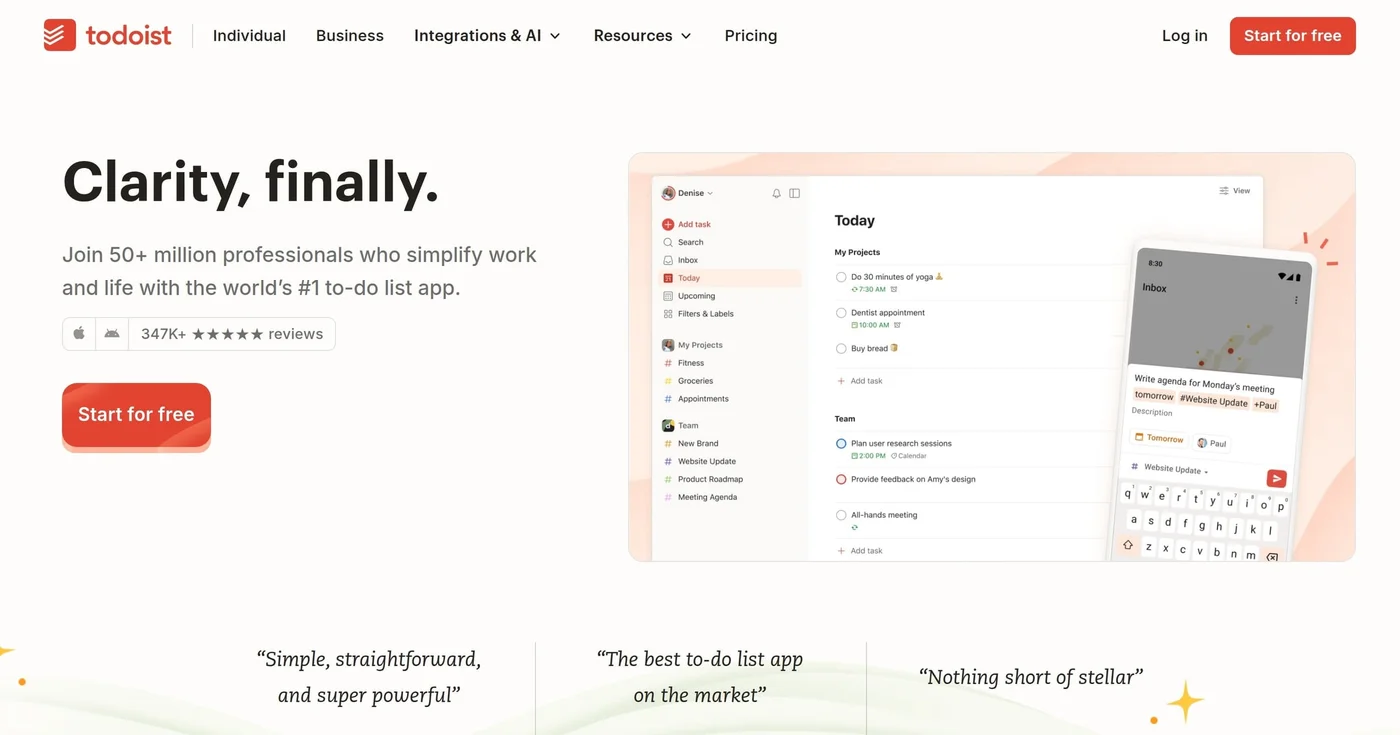
Todoist earns its place in individual stacks for one reason: it gets out of the way. Type "Submit proposal next Thursday at 3pm p1" into Quick Add and it creates a dated, priority-1 task without a form to fill in. For more options, see our to-do list app rankings.
Tiago Forte names the benchmark that matters for any task manager: "the ability to just quickly and seamlessly get them off your head and into a trusted system." His own pick is Things, but Todoist's Quick Add is built for exactly that test.
Two newer additions matter for remote teams. Ramble turns spoken thoughts into tasks (10 sessions a month on the free plan, unlimited on Pro), and an official Claude connector lets Claude read, create and update your tasks from a chat.
Full plan details at Todoist pricing.
Best for teams consolidating multiple tools into one
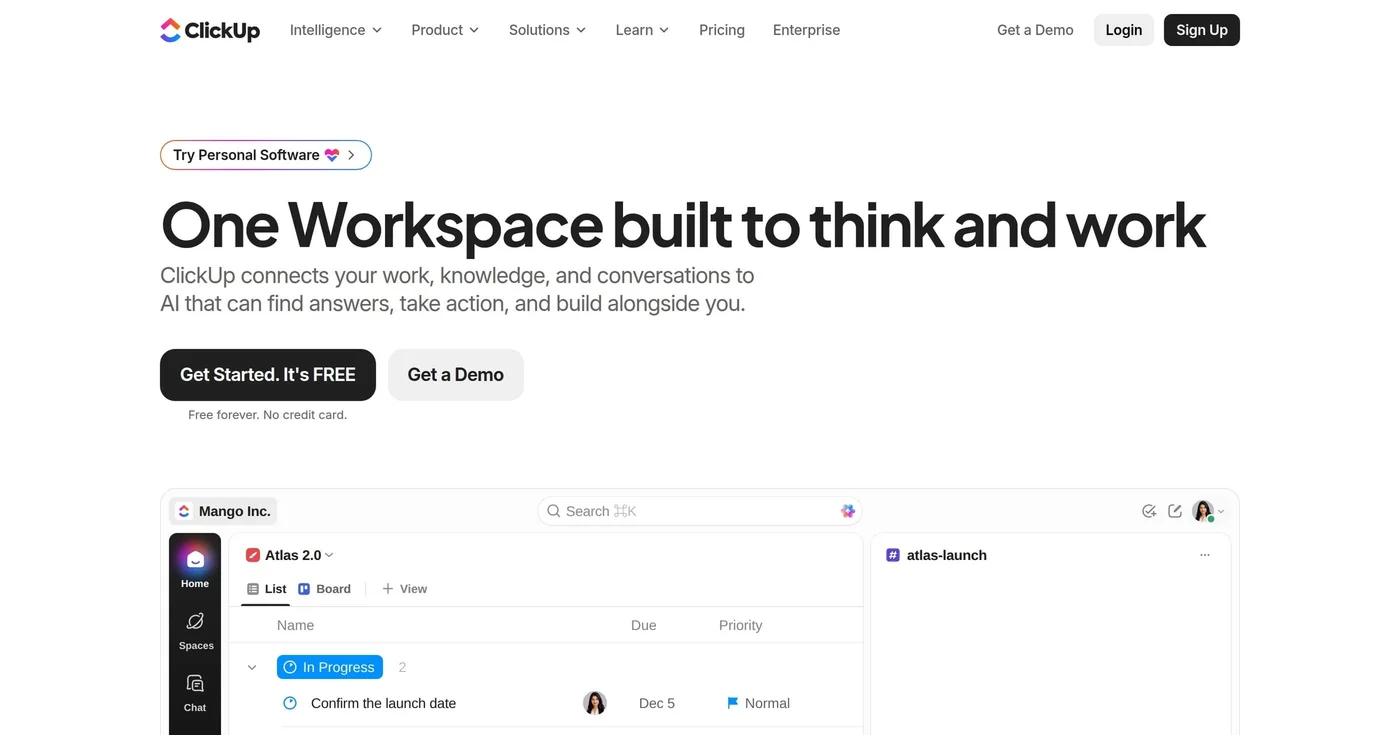
ClickUp covers tasks, docs, chat, whiteboards, dashboards, time tracking and goals in a single workspace. Brain², launched in June 2026, is ClickUp's rebuilt AI layer: the company describes it as an AI with "full awareness" of your workspace's tasks, docs and conversations.
That puts ClickUp closer to Motion than to a chat assistant: the AI works from your workspace data rather than from a blank prompt. If you mainly need task tracking, compare it with the tools in our task management software guide.
AI is included on paid plans as a pooled monthly credit allowance: 1,000 credits per user on Core and 1,500 on Business, with top-ups available.
Full details at ClickUp pricing.
Best for flexible knowledge management
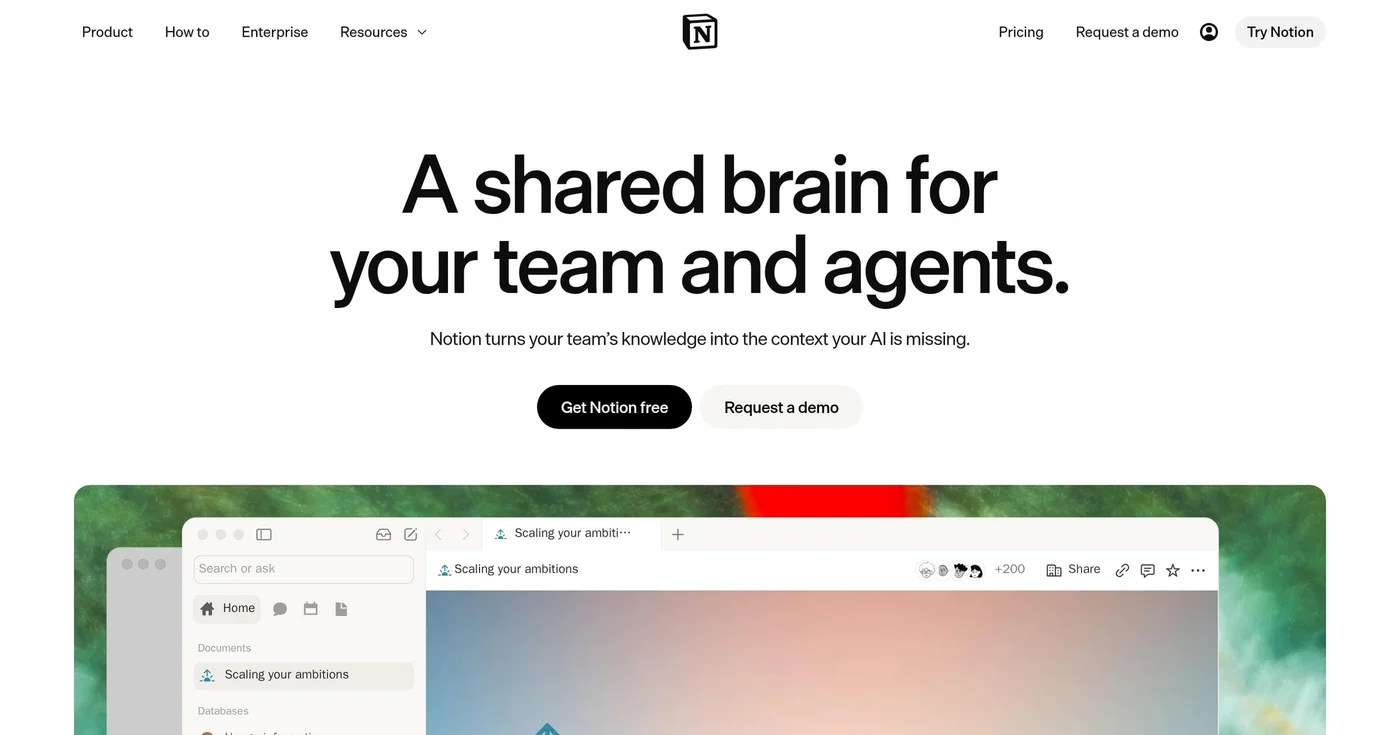
Notion works as a wiki, project tracker, database, meeting notes hub and onboarding system at once. Notion said it passed 100 million users in 2024, and it says over 50% of Fortune 500 companies use it.
The pricing caveat matters. Since Notion's May 13, 2025 pricing update, full Notion AI comes with the Business and Enterprise plans. On the pricing page, Free and Plus get only a trial of Notion AI, while Business ($20/seat/mo) includes Notion Agent, Custom Agents, AI Meeting Notes and Enterprise Search.
If Notion AI is in your evaluation criteria, budget for Business, not Plus. For a head-to-head with the next pick, see Notion vs. Obsidian.
Users split sharply on it. In an r/productivity thread titled "Notion is just an aesthetic trap," u/paperpot91 tracks tasks across 4 businesses. It took a couple of weeks to build and a month to tune, and "hasn't really changed" since. u/Sandwich_Pudding puts the counter-view bluntly: "Notion just makes you think you're being productive without actually doing anything."
Yearly billing saves up to 20%. Full pricing at notion.com/pricing.
Best for long-form, privacy-first note-taking
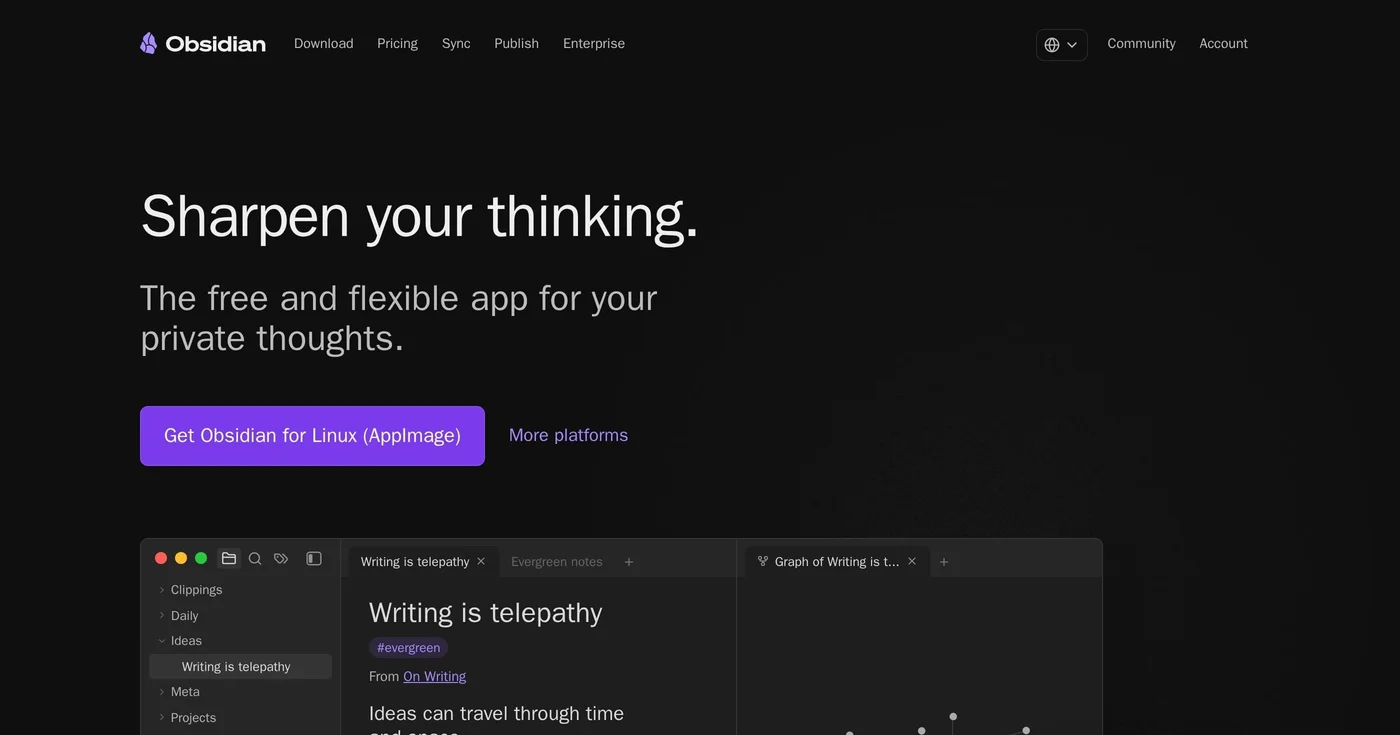
Obsidian stores notes as plain Markdown files on your device. The app is free without limits, including for work: a commercial license is optional, not required.
Community plugins extend the app without waiting for the company to ship features. Bidirectional links and the graph view surface connections between ideas that stay hidden in a folder-based system. It is a natural home for a second brain.
The August 18, 2025 release (1.9.10) introduced Bases, a core plugin that turns any set of notes into a database with custom views, filters and formulas, all backed by your local Markdown files. That narrows the structured-data gap that pushed many users toward Notion.
Tiago Forte uses Obsidian for his book project: "it's where all those ideas related to this project can collide and intermix and evolve."
Pricing details at obsidian.md/pricing.
Best for meeting notes without a bot joining the call
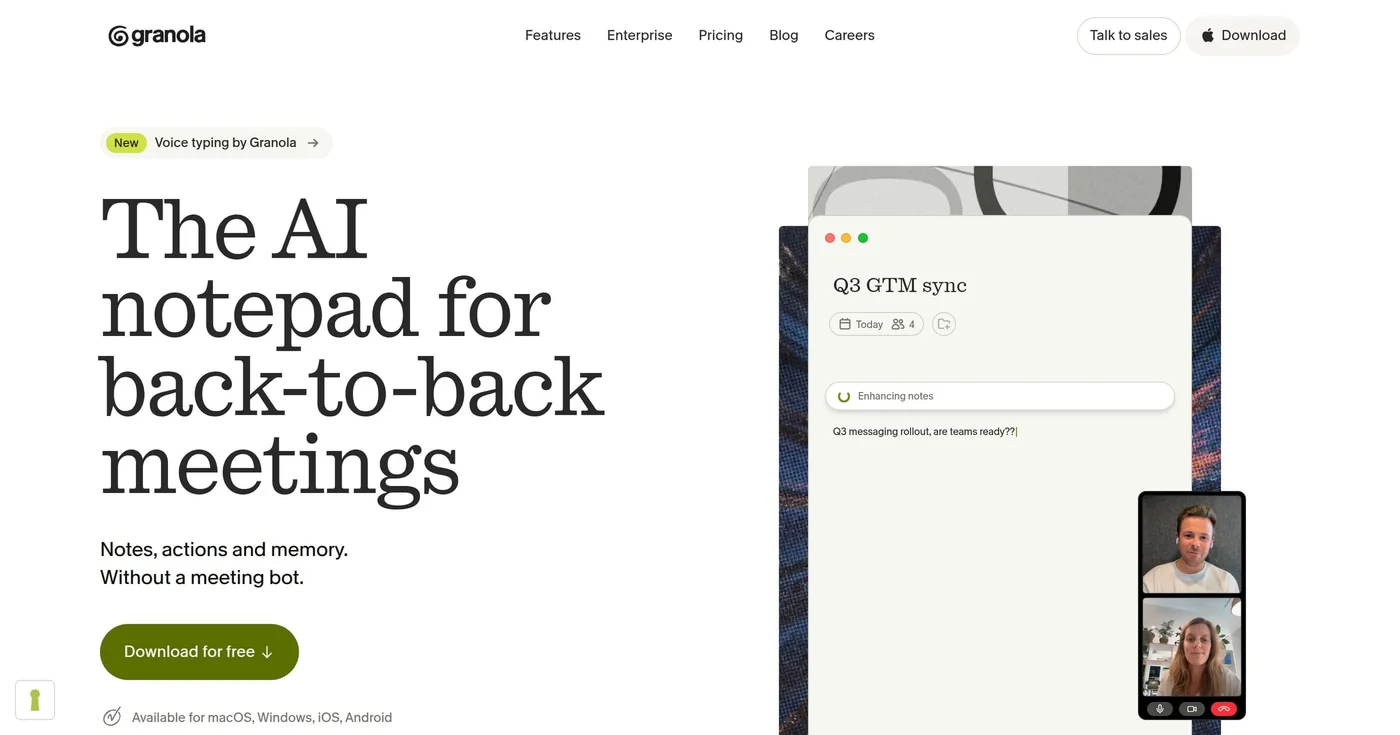
Granola takes a different approach to meeting notes. Rather than joining calls as a bot participant, it captures device audio on your computer or phone.
You take rough notes during the meeting: a few bullet points, key names, numbers you want to remember. Granola's AI combines your notes with the transcript to produce structured notes that follow your priorities.
It is no longer Mac-only. Granola lists desktop, iOS, Android and Apple Watch apps on every plan, and Granola for Windows runs natively on Windows 10 and 11, so mixed Mac and Windows teams can standardize on it.
Details at granola.ai/pricing.
Best for searchable async meeting archives
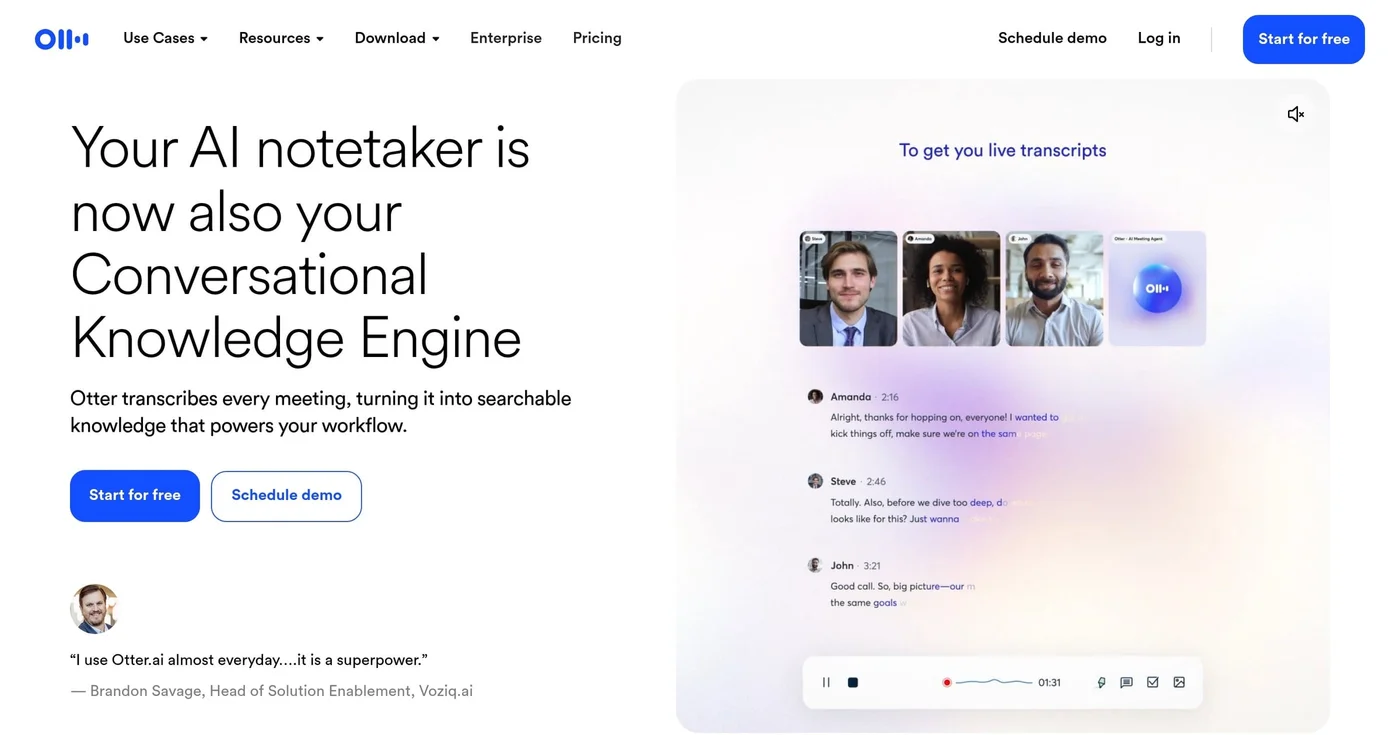
Otter.ai joins your Zoom, Microsoft Teams or Google Meet calls, transcribes in real time, and writes and shares notes with summaries and action items. In an Otter case study, Laura Brown, Vice President of Sales at Aiden Technologies, estimates the team is "33% more effective, getting 33% time back."
Otter's MCP server connects your meeting data to Claude and ChatGPT, so you can ask an assistant what was decided in last month's roadmap meeting and get the answer from your own transcripts. That turns Otter from a passive recorder into a searchable record of decisions.
Language coverage is the practical limit: Otter transcribes English, Spanish, French, German, Japanese and Chinese. If your team meets in other languages, check that first.
Full pricing at otter.ai/pricing. If you prefer a different notetaker, read our Fireflies.ai review.
Best for AI-assisted thinking and research
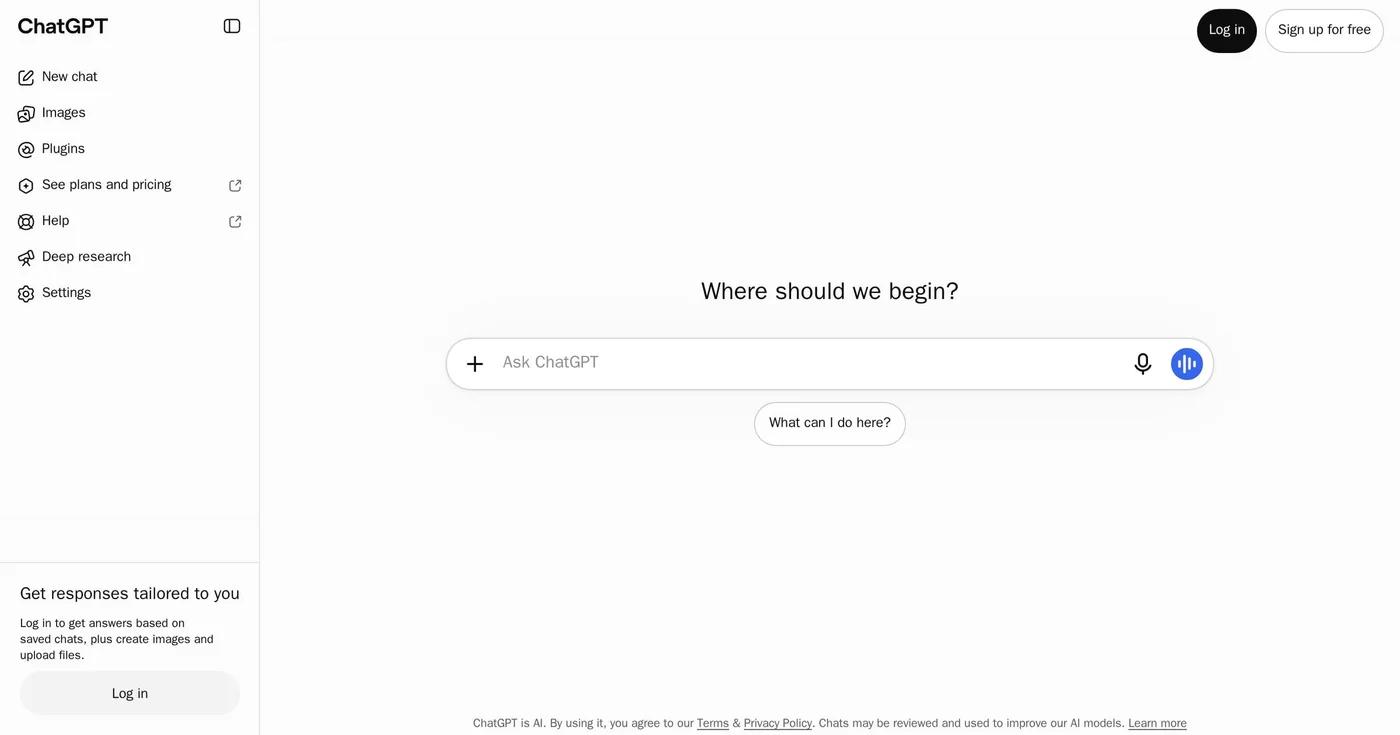
ChatGPT handles text, code, reasoning, image creation, voice conversation and file analysis in one interface. On its pricing page, Plus adds advanced reasoning models (GPT-6.2), deep research, scheduled tasks, projects and custom GPTs. Custom GPTs are reusable assistants for recurring work, such as a contract reviewer or an onboarding document drafter.
Dan Shipper (@danshipper) describes one high-value use: reading books with an AI companion.
I spend a significant amount of my free time reading books with ChatGPT / Claude as a companion and I feel like I’m getting a PhD for $20 / month
The useful framing is AI as a thinking partner for sustained work, not just a faster way to write emails. Memory carries context about how you work from one conversation to the next; Plus expands it beyond the free plan's limited memory.
Pricing at chatgpt.com/pricing.
Best for distributed teams writing asynchronously
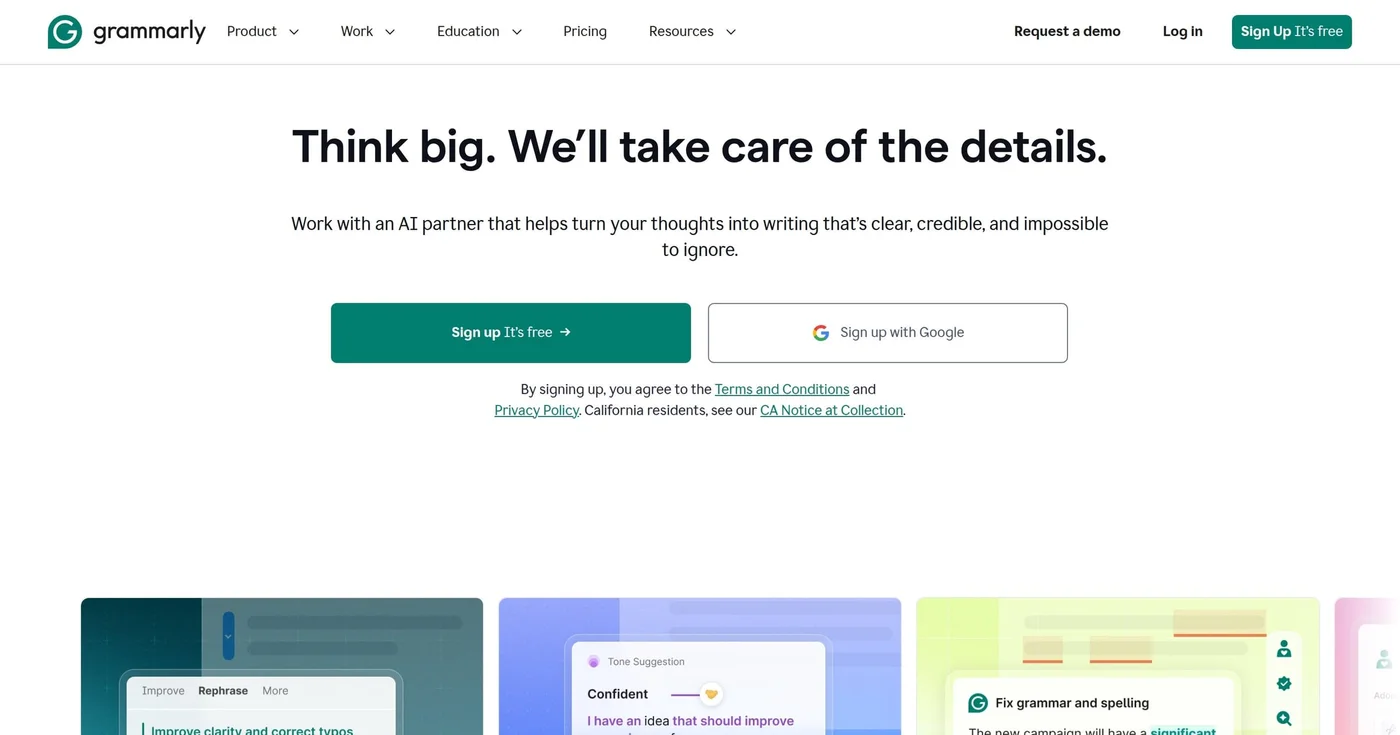
Grammarly works in browsers, on Windows and Mac, in Google Docs, Microsoft Office and on mobile, covering most places written communication happens. For remote teams where async writing is the main channel, its tone feedback catches unintentionally blunt messages before they create friction across time zones.
Grammarly says it is trusted by over 40 million people and 50,000 organizations. Pro adds full-sentence rewrites, tone adjustments, plagiarism and AI-text detection, and 2,000 AI prompts a month.
Grammarly is now part of the Superhuman suite: Superhuman's plans bundle Grammarly with Superhuman Docs and Go on Pro, and add Superhuman Mail on Business ($33/member/mo billed annually).
Pricing at grammarly.com/plans.
Best for professionals handling high email volume
Superhuman Mail is keyboard-first by design. Archive, reply, follow-up reminders and split inbox views all run from shortcuts.
Its AI sorts incoming mail, drafts replies in your voice and tracks follow-ups. Superhuman claims Business users "save 4 hours every single week"; that is the company's figure.
Tiago Forte credits Superhuman with turning email "from really my biggest source of anxiety into something I, believe it or not, actually look forward to." McKinsey research from 2012 estimated that interaction workers spend 28% of the workweek managing email, which is why a faster inbox pays off. For habits that help with any client, see our email management guide.
Pricing at superhuman.com/plans.
Best for eliminating manual handoffs between tools
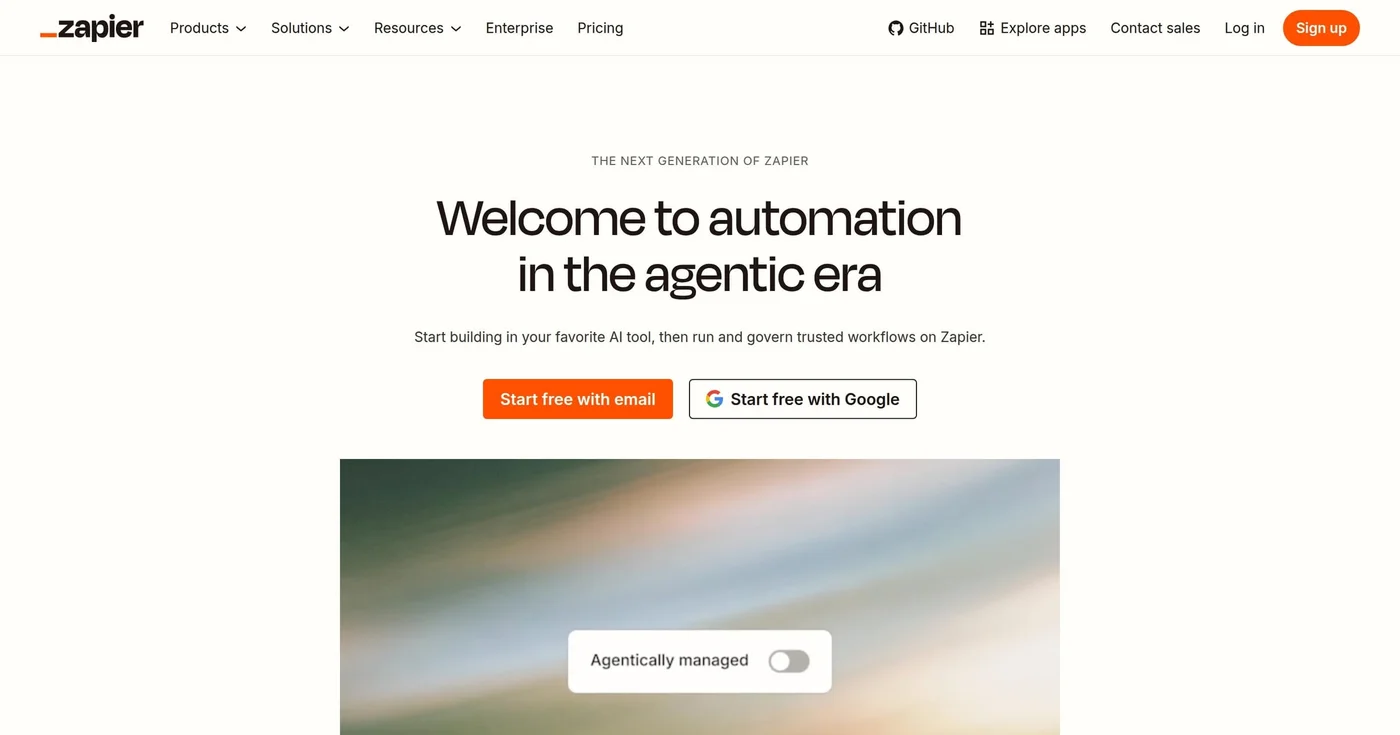
Zapier connects 9,000+ apps: when a new lead fills a form, a Zap can create the CRM record, notify Slack and add the follow-up task in Todoist or ClickUp without manual steps. More options are in our task automation software roundup.
Zapier MCP lets Claude, ChatGPT, Cursor and other AI clients take actions across those apps through Zapier, with auth and permissions handled by Zapier. On its pricing page, Zapier says MCP tool calls are free through January 5, 2027.
Full pricing at zapier.com/pricing.
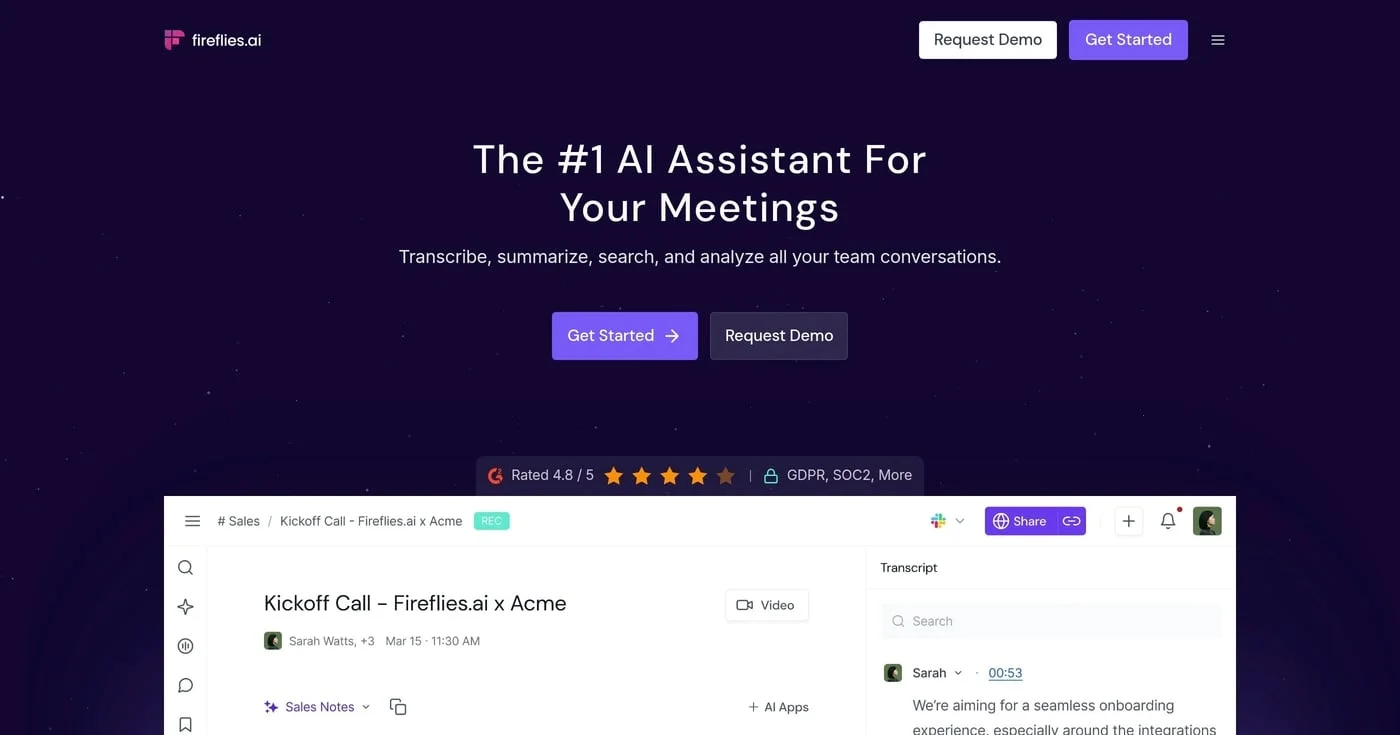
Fireflies AI is worth Business at $19/seat billed yearly if you will review HubSpot Autofill drafts. Skip Pro. This is the meeting-notes app, not Adobe Firefly.

Four team task management software picks for 2026: Asana, ClickUp, Todoist, Linear. Things 3 is the personal foil. Pricing, free-plan traps, and seat limits.

The 10 best AI PowerPoint generators ranked by speed, design quality, and ecosystem fit — including enterprise failure modes most reviews miss.
