

10 AI PowerPoint Generators Tested: Speed, Design, and Workflow Fit
The 10 best AI PowerPoint generators ranked by speed, design quality, and ecosystem fit — including enterprise failure modes most reviews miss.
Updated 14 min read

The 10 best AI PowerPoint generators ranked by speed, design quality, and ecosystem fit — including enterprise failure modes most reviews miss.
Gamma, Beautiful.ai, and Plus AI lead the category in 2026. Gamma generates full decks in under 90 seconds; Beautiful.ai outputs design that doesn't need a designer to clean up; Plus AI runs inside PowerPoint for teams that can't change workflows. Below, 10 tools ranked by who they actually work for, plus the enterprise failure modes none of the comparison articles mention.
71% of US office employees use PowerPoint, averaging 6.5 hours per week on it. AI cuts a standard 8–12 slide deck from 4–6 hours to under 15 minutes, but only if you pick the right tool for your workflow.
Software | Best For | Key Features | Pricing | Free Plan | Platforms |
|---|---|---|---|---|---|
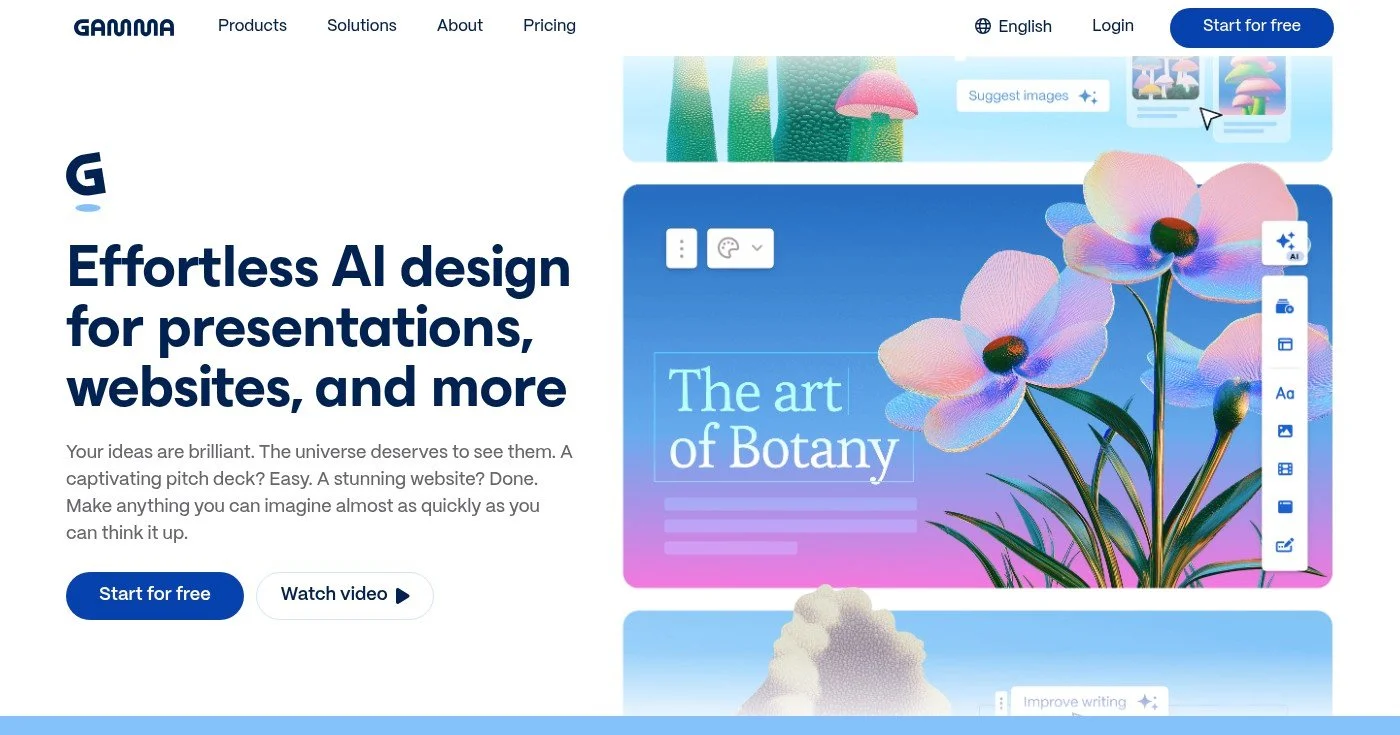
Speed, pitches | Prompt-to-deck, viewer analytics, AI redesign | $10/mo (Plus) | Yes (branded) | Web | |
Design polish | DesignBot, smart slide layouts, analytics | $12/mo (Pro) | No | Web | |
Marketers | 250k+ templates, Magic Design, Magic Switch | $15/mo (Pro) | Yes | Web, iOS, Android | |
Enterprise M365 | Org context, SharePoint pull, speaker notes | No | Windows, Mac, Web | ||
PPT/Slides add-in | Native integration, existing templates, no context switch | No | PowerPoint, Google Slides | ||
Google Workspace | Drive integration, AI image gen, no extra tool | Via Workspace $7/user/mo | Via Workspace | Web (Slides) | |
Team collab | Status tracking, Slack/Figma/HubSpot integrations | $15/mo (Plus) | Yes | Web | |
Data decks | Interactive charts, AI chart creation, infographics | $12.25/mo (Starter) | Limited | Web | |
Storytelling | Zooming canvas, Prezi Video overlay on Zoom/Teams | $7/mo (Standard) | Limited | Web | |
Live engagement | Real-time polls, quizzes, Q&A via phone | $14/mo (Basic) | Limited | Web |
10 AI PowerPoint generators at a glance
Best for speed and startup pitch decks
Gamma generates a complete deck from a text prompt in under 90 seconds, the fastest generation tested in 2026 across multiple independent reviews. Gamma has 70M+ users creating 1M+ decks daily, crossed $100M ARR in November 2025, and raised $68M at a $2.1B valuation, built to that scale with 30 employees.
The AI redesign feature lets you change the visual style of an existing deck without losing any content. Viewer analytics show who opened the deck and how long they spent on each section, making Gamma useful beyond the initial generation.
The web-native format works well for sharing: a URL is easier to distribute than a .pptx attachment, and Gamma tracks whether recipients actually read it. For enterprise teams, the export question matters more than the generation speed.
Web-native tools convert their layout blocks to absolute pixel coordinates when exporting .pptx: fonts substitute, charts flatten to static images, and independent reviewers found analysts spending 45 minutes reformatting a single export. On r/powerpoint, non-editable chart export is the recurring reason corporate users abandon Gamma.
For internal pitches and startup decks, the native web format works fine. For decks that must match corporate .pptx templates, consider Plus AI instead.
Best design output for non-designers
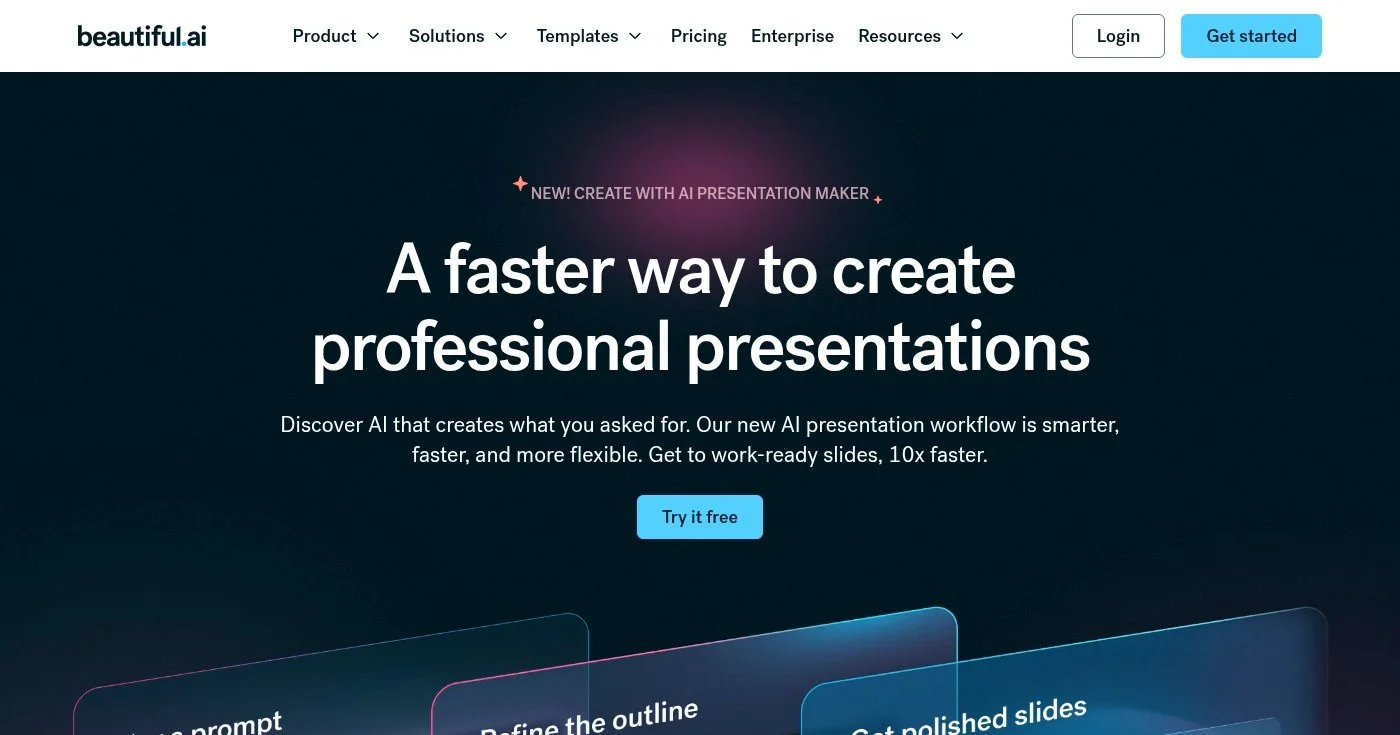
Beautiful.ai uses "smart slides": layouts that automatically adjust spacing, sizing, and alignment as you add or remove content. Add a fourth bullet point to a three-column layout and the columns rebalance. Even users with no design instinct ship consistently polished decks.
DesignBot generates full decks from prompts, producing output that matches what a non-designer would build manually in two to three hours. The design guardrails are the product's most opinionated feature: they prevent the messy slides that most AI-generated decks produce, but they also limit creative control for teams with strong brand guidelines of their own.
Presentation analytics (opens, view time, page completion) mirror Gamma's, but Beautiful.ai's Team plan adds collaborative editing with commenting and role-based permissions.
Best for marketers and template variety
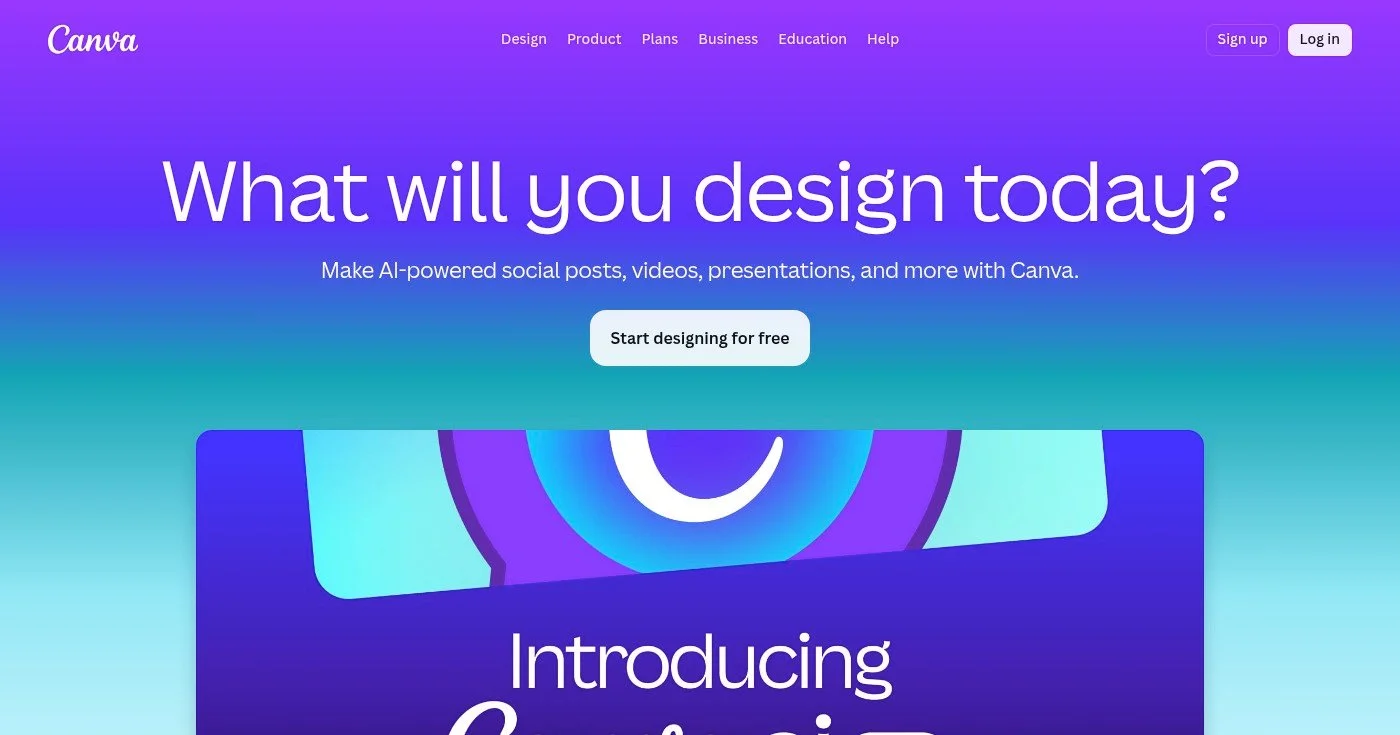
Canva leads on template volume: 250,000+ templates across presentation types, industries, and aesthetics. Magic Design turns a text prompt (or an uploaded document) into a slide deck, selecting matching templates and filling in content.
The Magic Switch feature converts a completed presentation into a social post, video, or document with one click. For marketing teams who repurpose content across channels, that integration saves more time than the initial slide generation.
Canva's aesthetic is polished but recognizably consumer-first. For internal business presentations where brand adherence matters, Beautiful.ai or Plus AI will produce more controlled output.
Best for Microsoft 365 enterprise teams
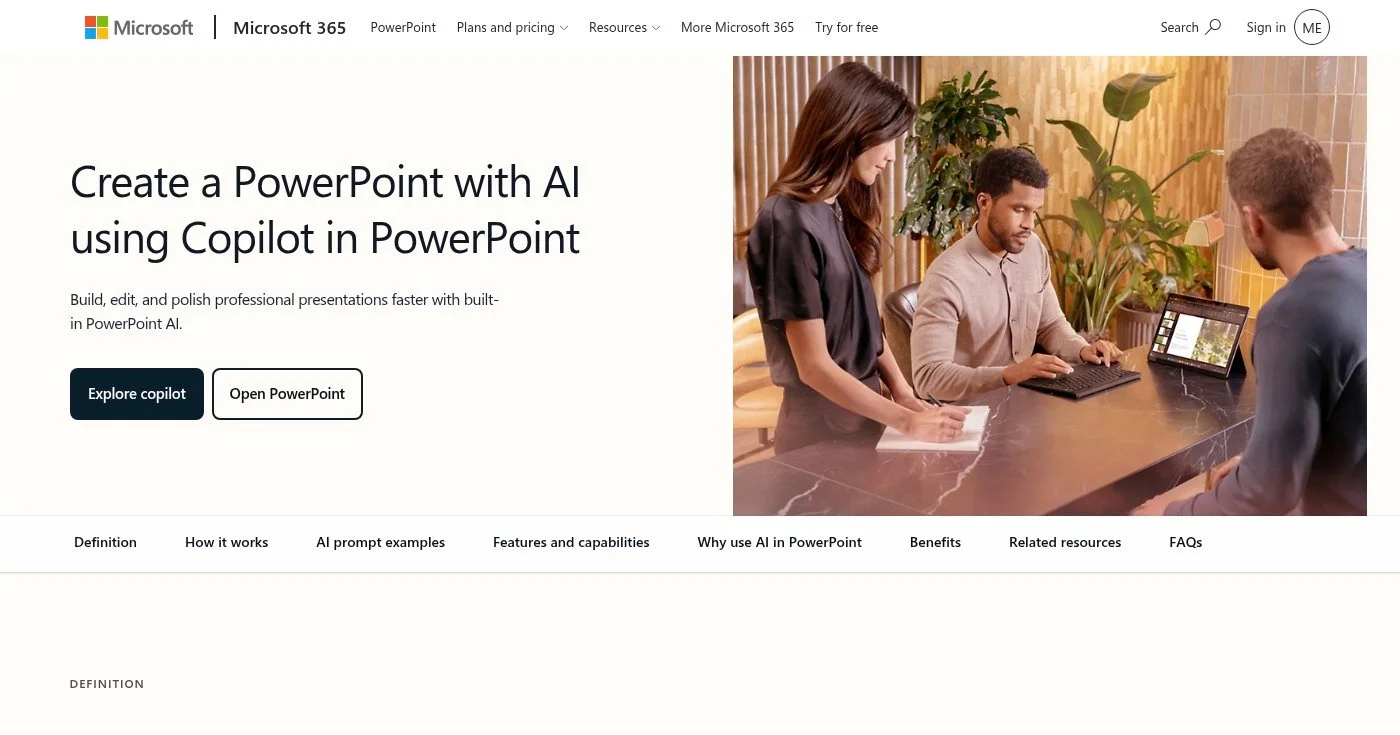
Microsoft Copilot for PowerPoint integrates directly into the PowerPoint you already use, pulling organizational context from SharePoint, Teams, and Outlook. Ask it to build a quarterly business review deck and it can reference your org's recent files, meeting notes, and data, not just the prompt you type.
Before committing, the enterprise success rate data matters: a Poesius report found a 23% success rate for Copilot-generated decks without extensive enterprise setup. One European bank reported brand violations tripling after rollout, with adoption falling to 8%. The 2,000-character input limit also constrains complex deck specs that consulting and finance teams routinely need.
Speaker notes generation is Copilot's strongest feature; it consistently produces useful talking points from the slide content. For regulated industries already standardized on Microsoft 365, the compliance and data-sovereignty controls justify the added cost.
Best add-in for existing PowerPoint and Google Slides workflows

Plus AI runs as a native add-in inside both PowerPoint and Google Slides; you generate and edit AI content without leaving your existing tool. It works with your existing slide templates, master layouts, and brand fonts, which means the output inherits your formatting automatically.
For teams with years of carefully built PowerPoint templates, Plus AI is the only tool that lets them use AI without abandoning those assets. The tradeoff is output variety. Plus AI works within your existing design constraints, so it won't produce the dramatic aesthetic transformation that Gamma or Beautiful.ai can deliver for teams starting from scratch.
Best for Google Workspace teams
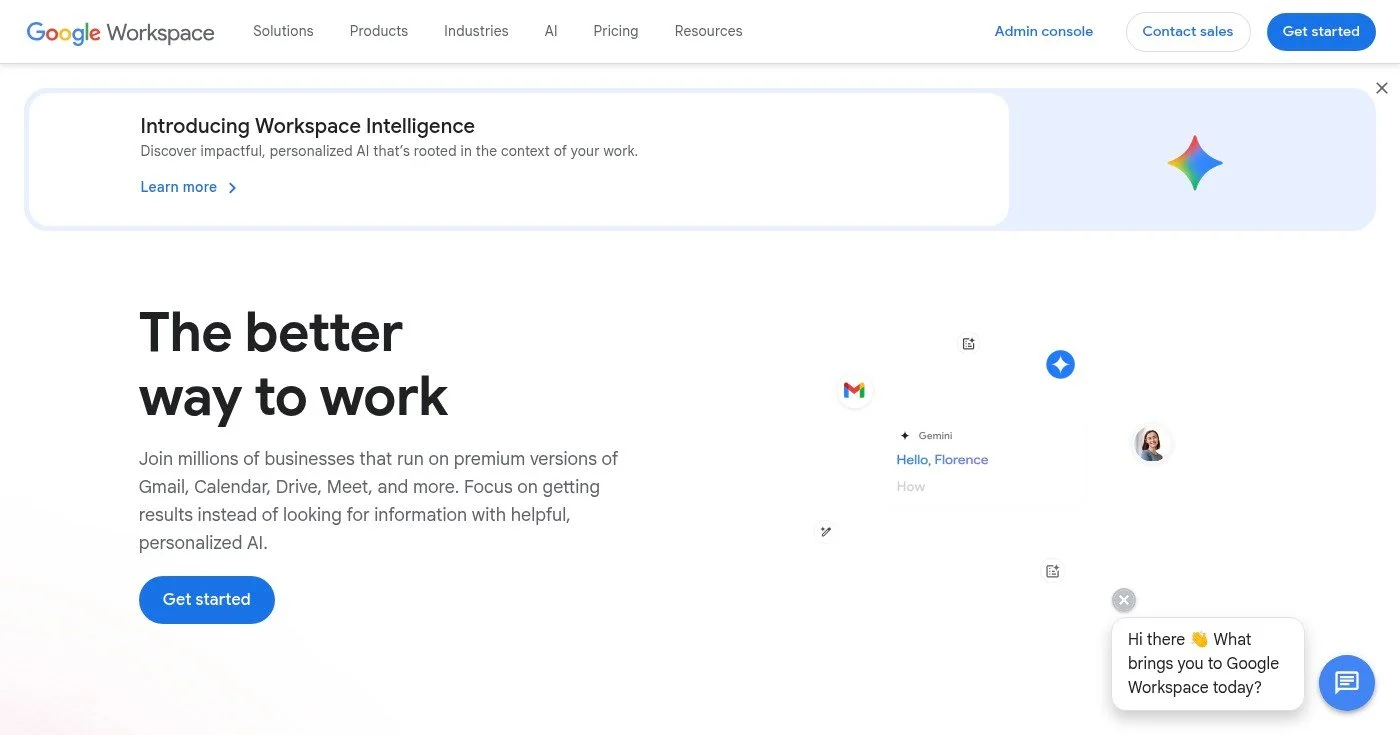
Gemini integrates into Google Slides for Workspace subscribers, no additional software, no new login. Generate a presentation from a prompt and Gemini pulls from your Google Drive content when relevant, using your existing files as reference context.
The AI image generation creates visuals from text descriptions and places them directly into slides. The quality is functional rather than exceptional: Gemini covers basic AI presentation needs at no additional cost for teams already paying for Google Workspace.
For teams invested in Google's ecosystem (Drive, Docs, Gmail, Meet), Gemini is the path of least resistance: it's available in the tools you already use. Teams that need presentation-first design features or advanced analytics should look at Gamma or Beautiful.ai instead.
Best for real-time team collaboration
Pitch is built for teams editing presentations together in real time. Status tracking (draft → in review → approved) keeps everyone aligned on which deck is presentation-ready. Integrations with Slack, Figma, and HubSpot pull content from the tools your team already uses.
Pitch's AI first-draft generates a usable starting deck from prompts. The collaboration infrastructure is what makes Pitch distinct: version history, granular permissions (who can view, comment, or edit), and video call integration for live review sessions.
For solo users or small teams without collaboration needs, Gamma or Canva deliver stronger AI output at similar or lower cost.
Best for data-heavy, research-driven presentations
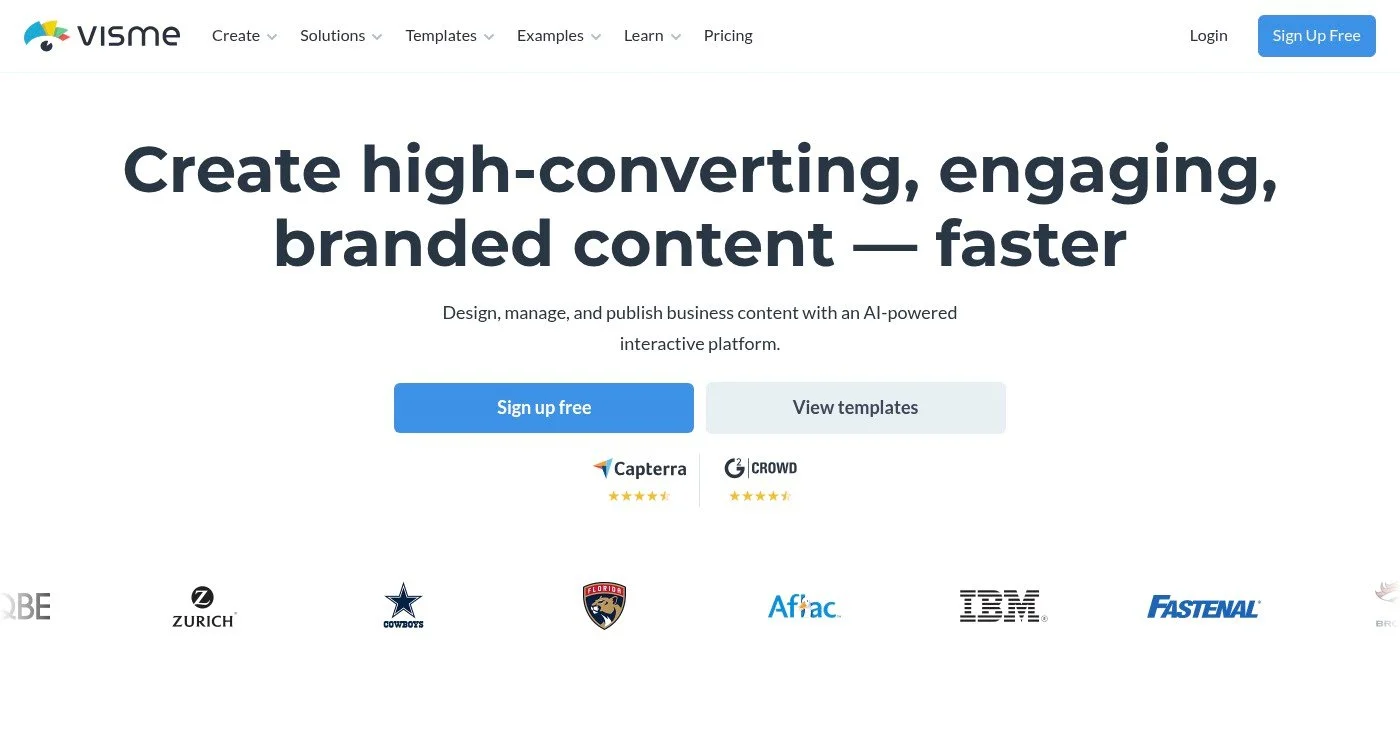
Visme handles data visualization better than any other tool in this list. The interactive chart library supports animated bar charts, heat maps, geographic maps, and timeline charts, all editable directly in the slide editor. The AI chart creation tool generates charts from raw data you paste in.
The interface is more complex than Canva or Gamma because it's built for a different job: producing research presentations, annual reports, and data-heavy proposals rather than quick pitch decks. For data analysts and researchers building decks that communicate quantitative findings, Visme is worth the steeper setup time.
Best for non-linear storytelling and live training
Prezi uses a zooming canvas instead of sequential slides: you navigate through content spatially rather than linearly. It works best when the story itself has a spatial relationship (an org chart being drilled into, a roadmap being navigated, a framework with nested layers of detail).
Prezi Video is the feature that sets Prezi apart in 2026. It overlays your presentation content alongside your camera feed during Zoom, Teams, or Google Meet calls, so you appear inside the presentation rather than sharing a separate screen.
The format is polarizing. Finance, consulting, and executive audiences find it disorienting. Educators, trainers, and conference speakers with spatial content find it more effective than sequential slides.
Best for live audience engagement

Mentimeter adds live engagement to existing presentations rather than replacing them. Attendees join a session from their phone (no app required) and you run real-time polls, quiz questions, word clouds, and open Q&A with results displayed live on screen.
Mentimeter's AI slide builder generates the base presentation, but the live engagement layer is the product's differentiating feature. For all-hands meetings, classroom sessions, and conference talks where audience participation matters, Mentimeter does something no other tool in this list does.
The right tool depends on three factors:
Fireflies AI is worth Business at $19/seat billed yearly if you will review HubSpot Autofill drafts. Skip Pro. This is the meeting-notes app, not Adobe Firefly.

Four team task management software picks for 2026: Asana, ClickUp, Todoist, Linear. Things 3 is the personal foil. Pricing, free-plan traps, and seat limits.
Notion wins for teams who need shared wikis, project pages, and built-in AI; Obsidian wins for solo knowledge workers who need fast local files, privacy, and de
