

Task Management Software: Four Team Workspaces
Four team task management software picks for 2026: Asana, ClickUp, Todoist, Linear. Things 3 is the personal foil. Pricing, free-plan traps, and seat limits.
Updated 9 min read

Four team task management software picks for 2026: Asana, ClickUp, Todoist, Linear. Things 3 is the personal foil. Pricing, free-plan traps, and seat limits.
Asana is the cross-functional default (Personal is 2 users), ClickUp is the all-in-one that taxes you on speed, and Todoist Business is the cheapest cloud team seat at $8/user/mo yearly. Linear is the engineering-shaped fourth Google does not rank on this query.
Task management software for teams is a shared workspace: create, assign, due date, status, comments. It is not a personal Today view (see to-do list apps) and not a portfolio or Gantt suite (see project management tools). A task management app that only makes you faster still leaves the queue in one person's head.
Layla Pomper puts it in one line: being a productive individual is not enough to have a productive team.
Ordered by overall team-task fit for mixed remote teams, not search popularity. Things 3 is listed after the four because it is a personal foil, not a fifth scored team pick.
Software | Best For | Key Features | Pricing | Free Plan | Platforms |
|---|---|---|---|---|---|
Mixed teams | List, board, calendar, assignees | Starter $10.99/user/mo yearly | Yes (2 users) | Web, iOS, Android | |
All-in-one shops | Spaces, docs, tasks, custom views | Unlimited $7/user/mo yearly | Yes (60 MB, 5 Spaces) | Web, iOS, Android, desktop | |
Small-team capture | Natural-language tasks, team workspace | Business $8/user/mo yearly | Yes (5 personal projects) | Web, iOS, Android, desktop | |
Engineering | Issues, cycles, GitHub | Basic $10/user/mo yearly | Yes (2 teams, 250 issues) | Web, iOS, Android, desktop |
Task management software for teams compared at a glance
Also considered, not scored: monday.com (work OS; park it on the PM page), Trello (Kanban, Free 10 collaborators / 10 boards), and Microsoft Planner (already in Microsoft 365). Jira is the common engineering tracker; Linear is the craft alternative.
Best for mixed remote teams that outgrow a 2-person free plan
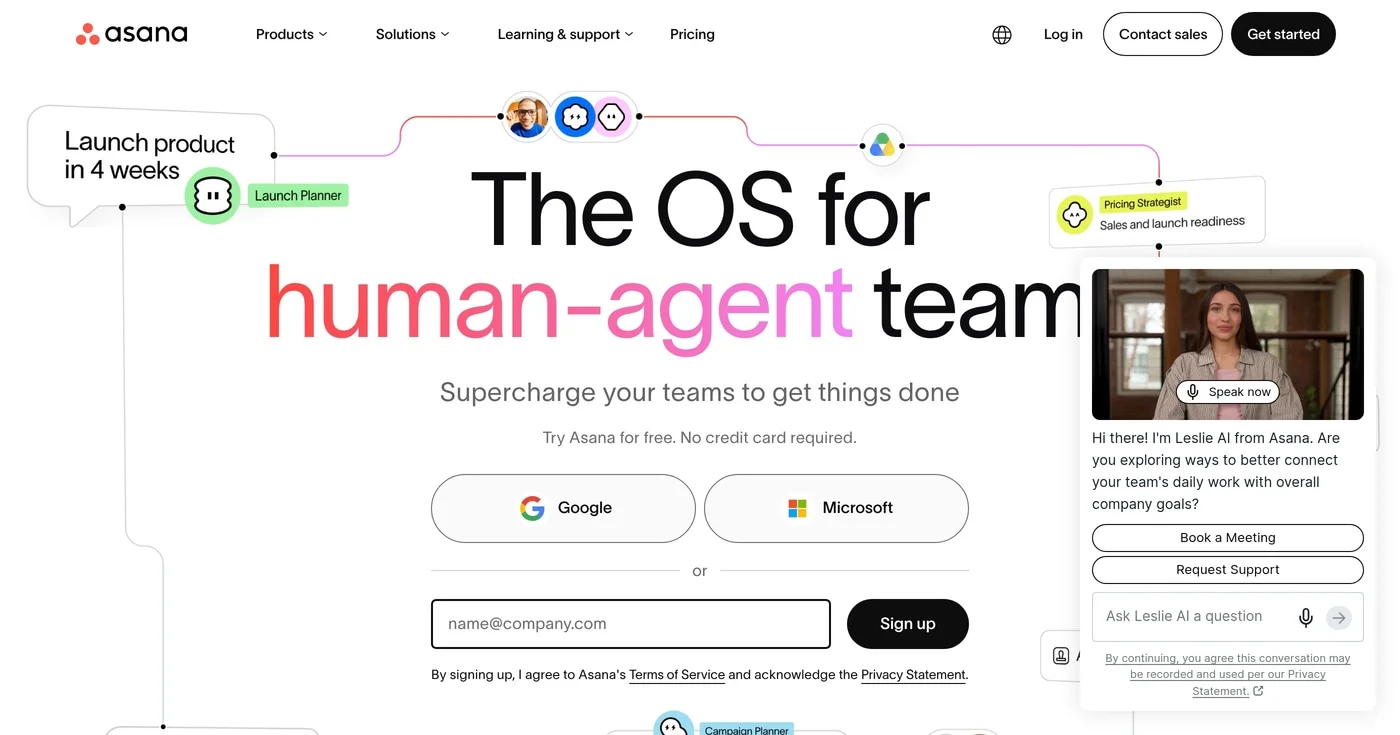
Asana reported FY26 revenue of $790.8M (+9% YoY) and 25,928 core customers in Q4. List, board, and calendar sit on the same work, with an owner and a due date on every task.
Personal is the trap ranking pages still miss. The Personal plan is 2 users with unlimited tasks and projects, so a third teammate is Starter ($10.99/user/mo billed yearly). For a product walkthrough, start with what Asana is.
The honest failure mode is sprawl. On r/Asana, u/pixiepalooza (Feb 2026) described a team creating a new project for a couple of tasks until people stopped opening it. Naming conventions and a working group fix that cheaper than a migration.
See Asana pricing for the live matrix.
Best for teams that will configure one workspace and wait on the UI
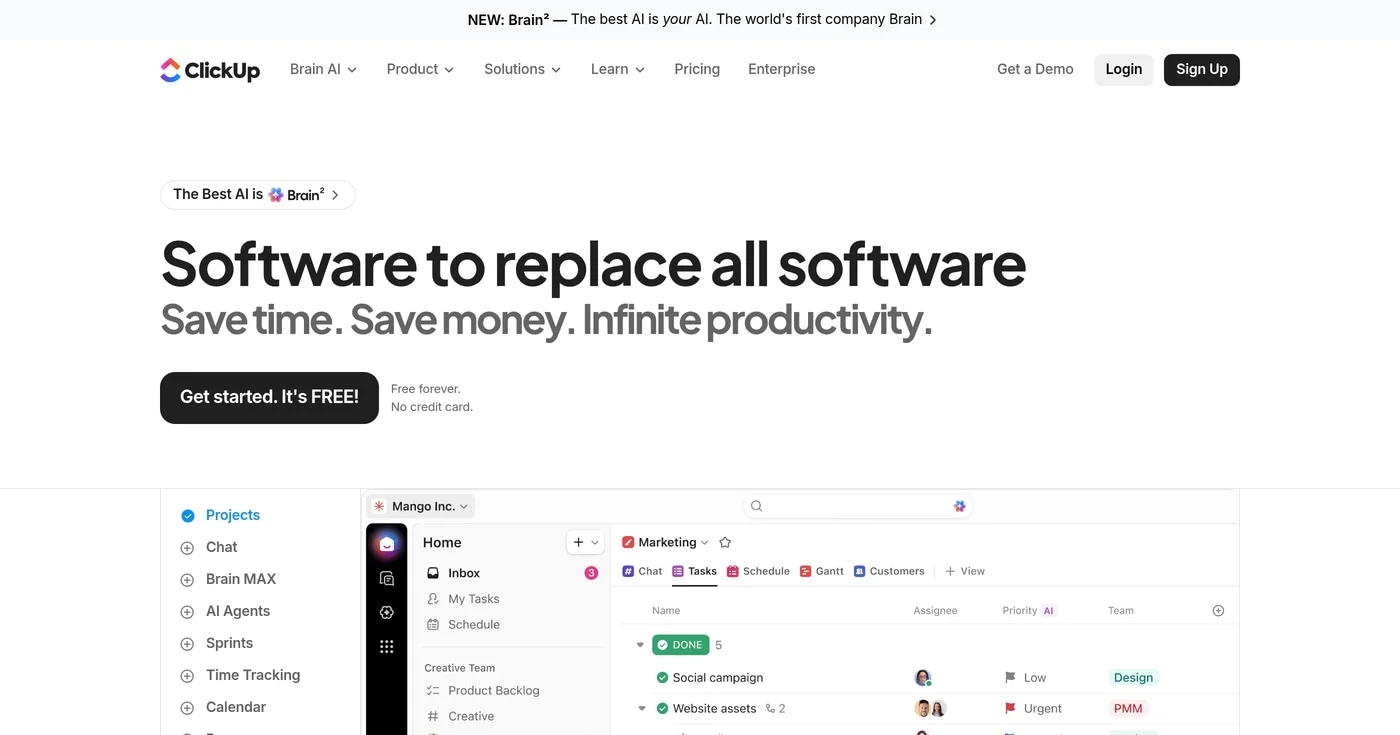
ClickUp sells "software to replace all software." That homepage line is the product: tasks, docs, Spaces, custom views, and a Free Forever tier with unlimited tasks and members. Unlimited is $7/user/mo yearly; Business is $12 yearly.
After two migrations, Nadia Okafor called ClickUp the tool that does everything, slowly.
People searching ClickUp ask about downsides, not missing buttons. In Jan 2026, u/iObsidian in r/clickup timed Trello, Jira, Plane, Linear, Huly, and ClickUp. ClickUp was slowest, with cached pages still over 3 to 5 seconds.
Layla Pomper puts time-to-confidence at 1-2 months, versus about 2 weeks on Asana.
Free Forever is real; storage and Spaces are the caps, not member count.
Best for small teams that need capture speed and a cheap Business seat
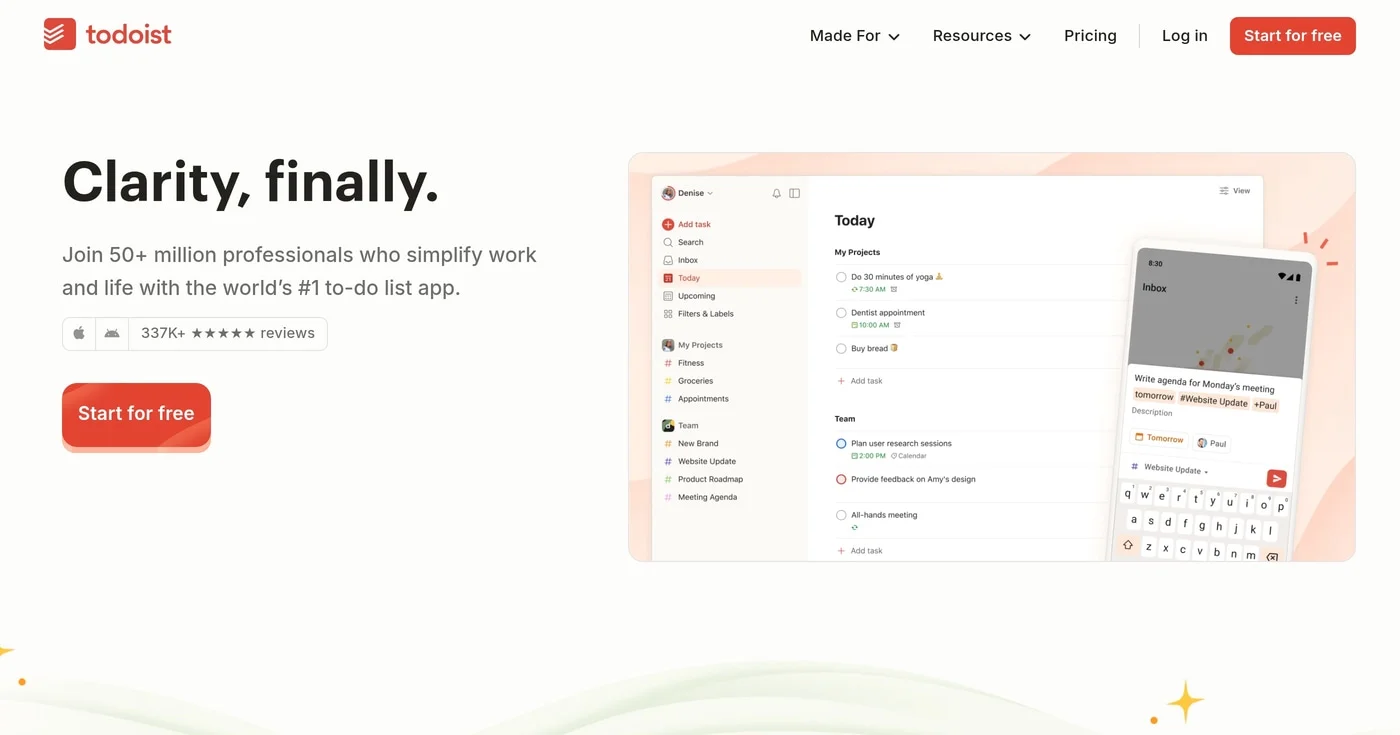
Type "tomorrow 4pm @alex" and Todoist files it. That capture speed is why a personal brand grew a team SKU. Doist describes itself as bootstrapped; TechCrunch covered voice add in Jan 2026.
Pro is not the team plan. Doist's billing FAQ treats Pro as an individual plan; team collaboration is built for Business. Teams buy Business at $8/user/mo yearly or $10 month-to-month, up from $6 yearly on 10 Dec 2025.
Beginner caps 5 personal projects. Every plan caps 300 active tasks per project.
Solo GTD already lives on to-do list apps. On r/todoist, u/pagdig (Dec 2025) still loved the tool and hated team chrome crowding a personal Pro account.
Personal-project sharing stays 5 people even on Business. See Todoist pricing.
Best for software teams that will live in issues, cycles, and GitHub
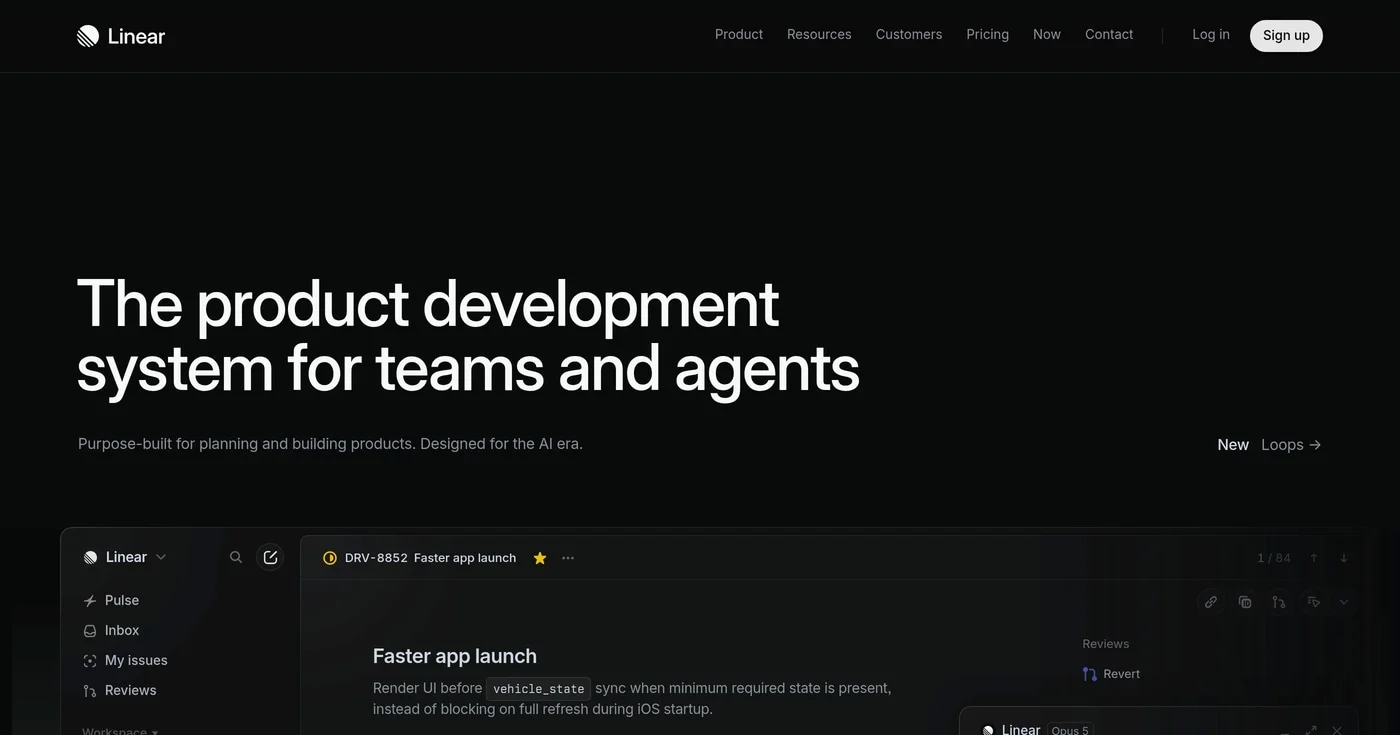
Linear does not call itself generic task management software, which is why it is missing from Google's head SERP for this query. It is a product-development system (issues, cycles, GitHub).
Linear says it is used at more than 40,000 companies. In Aug 2026 Linear said it had passed $100M ARR with a $2.5B tender.
Pulse2 put net retention at 177% on that same raise.
Today we're announcing our second employee tender offer. We passed $100m ARR earlier this year and now have more than 40,000 paying customers. The tender lets our teammates participate in that success at a $2.5B valuation: https://t.co/Ff2sDjDFq5
Free is unlimited members, 2 teams, and 250 issues. Basic is $10/user/mo yearly; Business is $16. There is no "Standard $8" plan (stale third-party copy).
Do not buy Linear as the only tool for mixed marketing and CS. After 14 months, Cotera kept Linear for 18 engineers and Asana for 12 in marketing/ops. In Jul 2026, u/ryutaromack in r/Linear preferred Linear's opinionated model because teammates actually update tickets, versus avoiding Jira.
Yearly is what Linear publishes. See Linear pricing.
Best for solo Apple GTD. Skip it if anyone else has to see the list.
Cultured Code calls Things 3 a personal task manager. It is still Things 3 (3.23, 19 Aug 2026).
Apple-only: no Windows, no Android, no web, and no built-in collaboration. Family Sharing is App Store license sharing, not a shared list.
iPhone is a one-time $9.99. Mac is a separate one-time purchase. The Mac App Store currently shows $34.99 during Cultured Code's 30% Mac promo (31 Aug to 10 Sep 2026); do not treat that as the lasting list price or add SKUs into a bundle total.
On r/thingsapp, tenure stories are buy-once pride, not a team win. If that is your use case, it belongs with to-do list apps, not on this page as pick #5.
A Mac trial exists on Cultured Code. There is nothing to buy for a five-person remote team.
If the room is marketers, CS, and a PM, buy Asana at the third seat and write naming rules on day one. If the queue is issues, cycles, and GitHub, buy Linear and keep a second tool on the ops side. ClickUp only if you will spend a month configuring it; Todoist Business if capture speed matters more than a project layer.
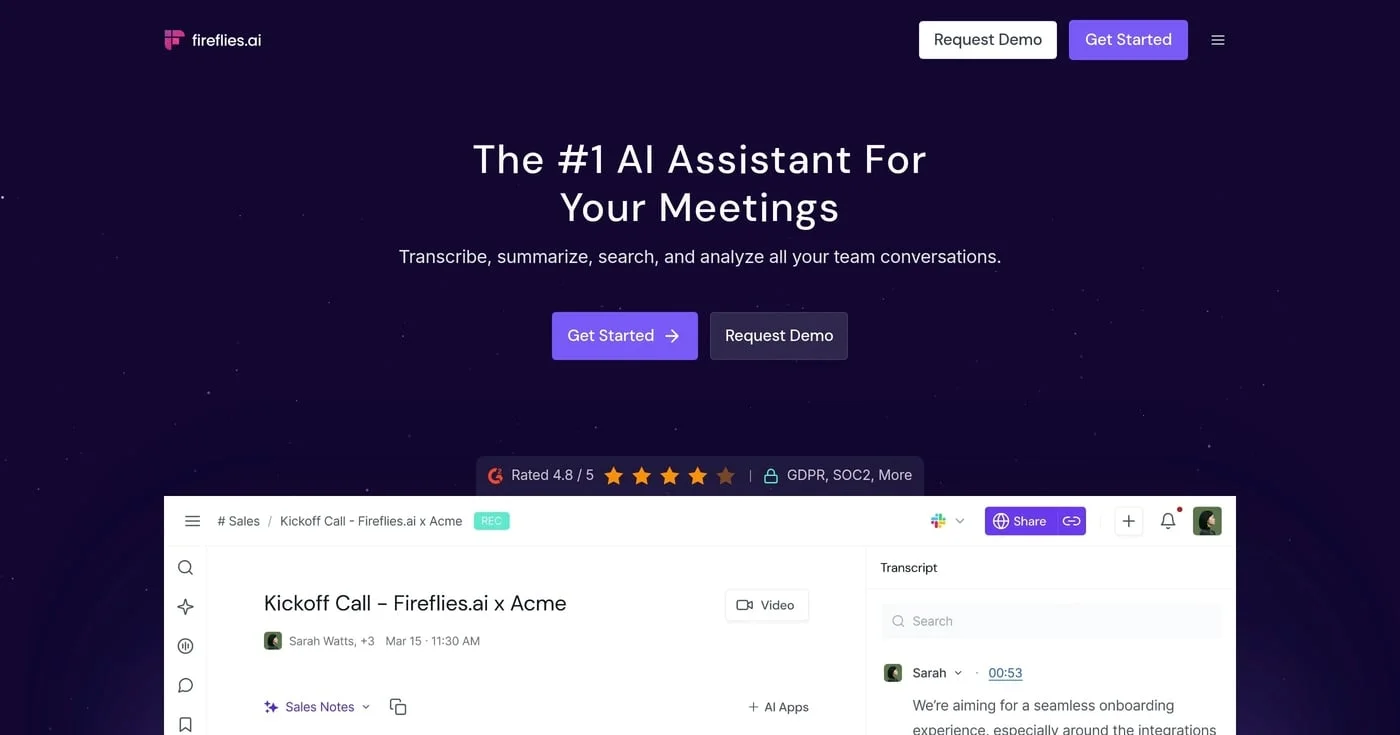
Fireflies AI is worth Business at $19/seat billed yearly if you will review HubSpot Autofill drafts. Skip Pro. This is the meeting-notes app, not Adobe Firefly.

The 10 best AI PowerPoint generators ranked by speed, design quality, and ecosystem fit — including enterprise failure modes most reviews miss.
Notion wins for teams who need shared wikis, project pages, and built-in AI; Obsidian wins for solo knowledge workers who need fast local files, privacy, and de
