

10 Practical Time Tracking Tools for Remote Work
The 10 best time tracking tools in 2026 for remote workers and teams, ranked by use case, pricing, and adoption.
Updated 20 min read

The 10 best time tracking tools in 2026 for remote workers and teams, ranked by use case, pricing, and adoption.
Toggl Track leads on UX and integrations, making it the default for freelancers and agencies. Clockify covers the entire team for free, with no cap on users or projects. Harvest builds invoicing directly into the tracking workflow, so you can convert logged hours to client invoices without a separate tool.
Below, all 10 tools are ranked by use case, pricing, and how they hold up for remote professionals managing billable hours or project visibility.
Employees spend just 49% of their time on core, high-impact tasks. Time tracking tools surface where the rest goes, whether you bill by the hour or manage a distributed team.
In this guide, you'll explore the top 10 time tracking tools available in 2026.
Software | Best For | Key Features | Pricing | Free Plan | Platforms |
|---|---|---|---|---|---|
Freelancers, teams | Calendar view, 100+ integrations, billable rates | Yes | Web, Desktop, Mobile | ||
Budget teams | Unlimited users, invoicing, GPS, kiosk | Yes | Web, Desktop, Mobile | ||
Freelancers, billing | Built-in invoicing, Stripe, team reports | Yes (1 seat) | Web, Desktop, Mobile | ||
Remote, field teams | GPS, screenshots, payroll, scheduling | No | Web, Desktop, Mobile | ||
Auto tracking | Auto-capture, AI tracker, unlimited users free | Yes | Web, Desktop, Mobile | ||
Solo productivity | Passive tracking, focus sessions, blocking | No | Web, Desktop | ||
Agencies, consultants | AI auto-complete, one-click timesheet approval | No | Web, Desktop, Mobile | ||
PM users | Embedded in Asana, ClickUp, Monday, Linear | Yes (5 seats) | Web, Browser ext. | ||
Managers | Doc title tracking, shift scheduling, productivity scores | No | Web, Desktop, Mobile | ||
Distributed teams | Screen recording, payroll, 60+ integrations | No | Web, Desktop, Mobile |
Best for freelancers and growing teams who need clean UX and flexible integrations
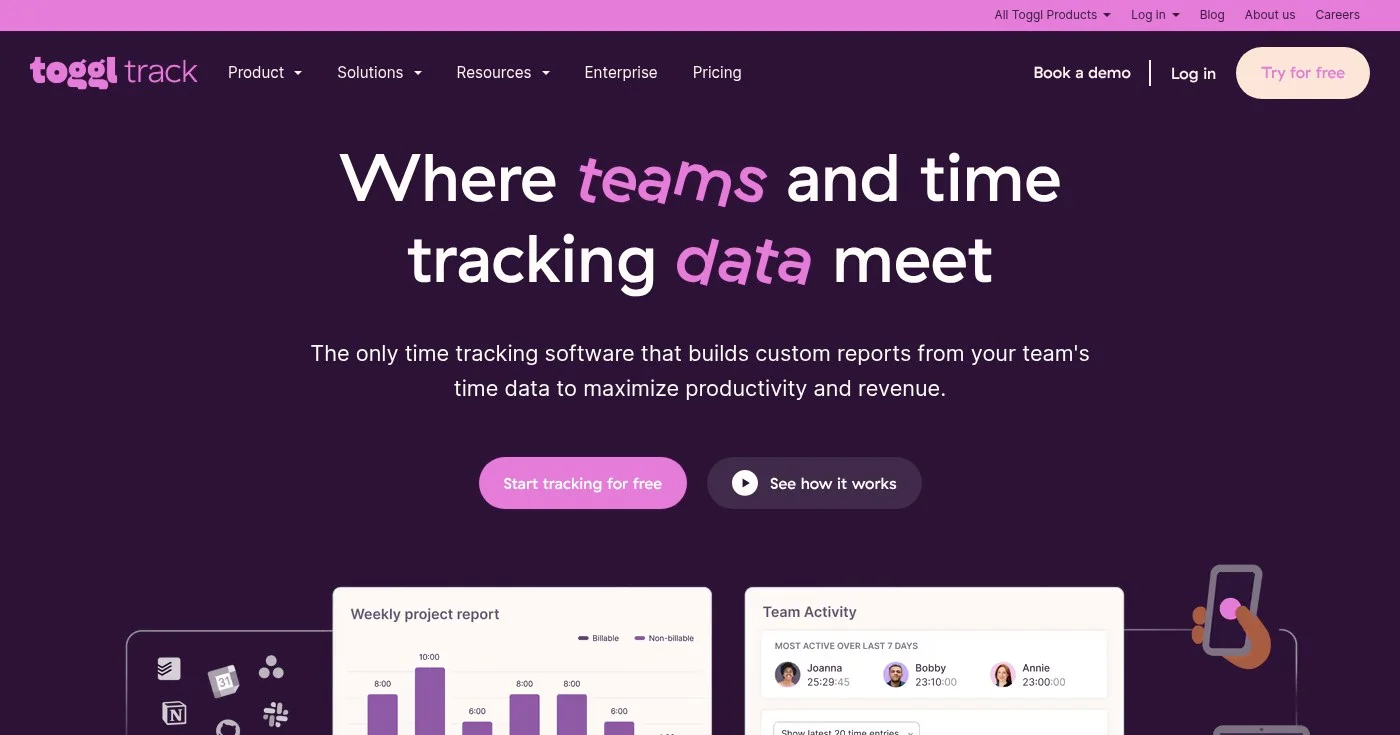
Toggl Track is the most widely adopted dedicated time tracker, built for high adoption over raw features. Its calendar view, which overlays time entries directly onto a weekly calendar, is the most-used feature: you drag and drop calendar events into tracked time in seconds. Background tracking is available for passive capture; manual entry stays available for anyone who prefers explicit control.
The tool integrates with 100+ apps including Jira, Salesforce, Asana, and Google Calendar. For teams managing client work, Starter adds billable rates and project estimates. Premium adds profitability analysis and timesheet approval workflows.
One practical detail: Toggl Track doesn't lock you into intrusive monitoring. Automated background data stays private to each user unless they choose to turn it into a time entry, which matters for remote teams that want visibility without surveillance.
Plans come with a 30-day free trial. Annual billing saves approximately 10%.
Best for teams that want unlimited free time tracking with no user or project caps
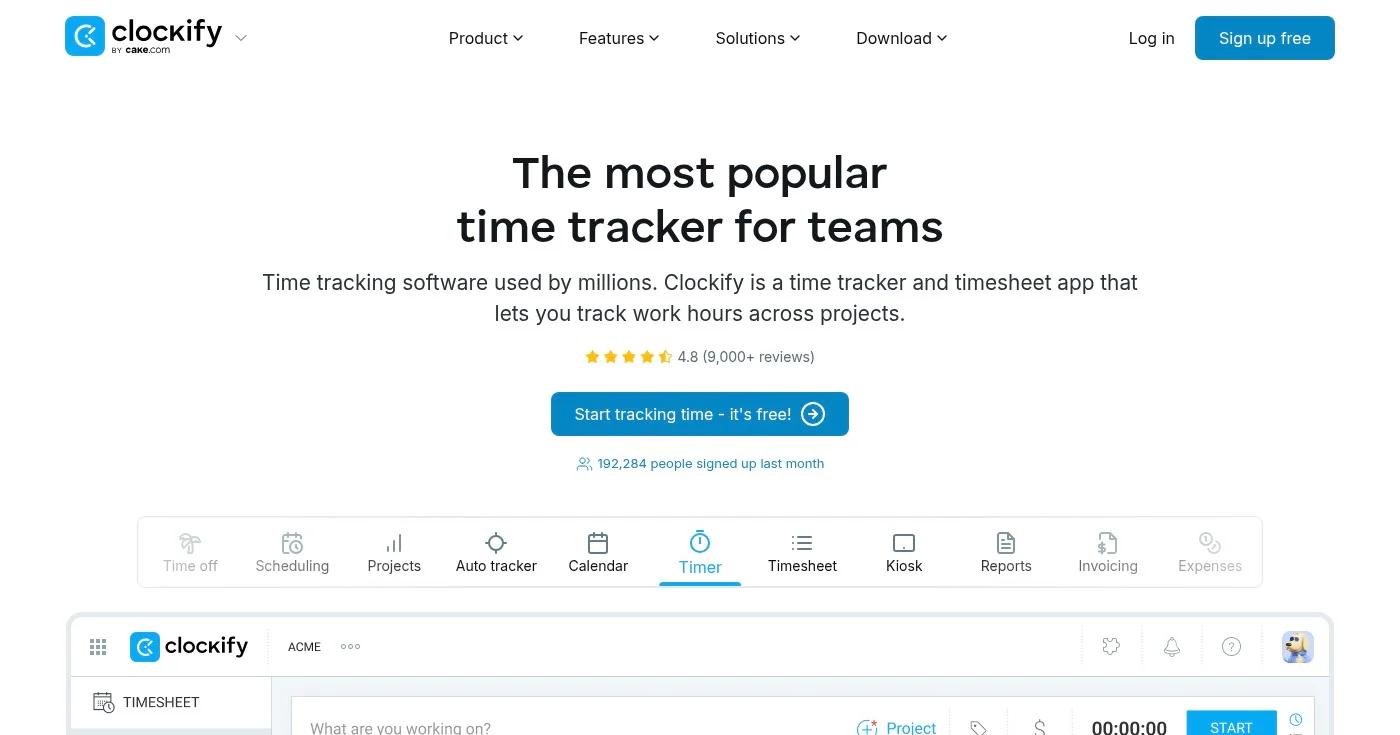
Clockify is built around one unusual promise: the core product is free for unlimited users and unlimited projects, with no expiration. That makes it the default starting point for most teams: a 1,000-person company and a two-person freelance pair pay the same $0 for the basics. Clockify covers web, desktop, and mobile tracking, idle detection, a Pomodoro timer, and basic reporting on the free plan.
Upgrading unlocks progressively more operational features. Standard adds invoicing, time off management, attendance, and QuickBooks integration, which is the threshold most client-service teams need. Pro adds GPS tracking, expense tracking, labor cost vs. billable rate analysis, and screenshots.
The key limitation of the free tier is the inability to lock timesheets: any team member can edit time entries retroactively, which creates audit risks for billing-critical workflows.
As the global time tracking software market reaches $6.13 billion in 2025, Clockify's unlimited free model has made it one of the most-deployed tools in the category.
Best for freelancers and small agencies that bill clients hourly
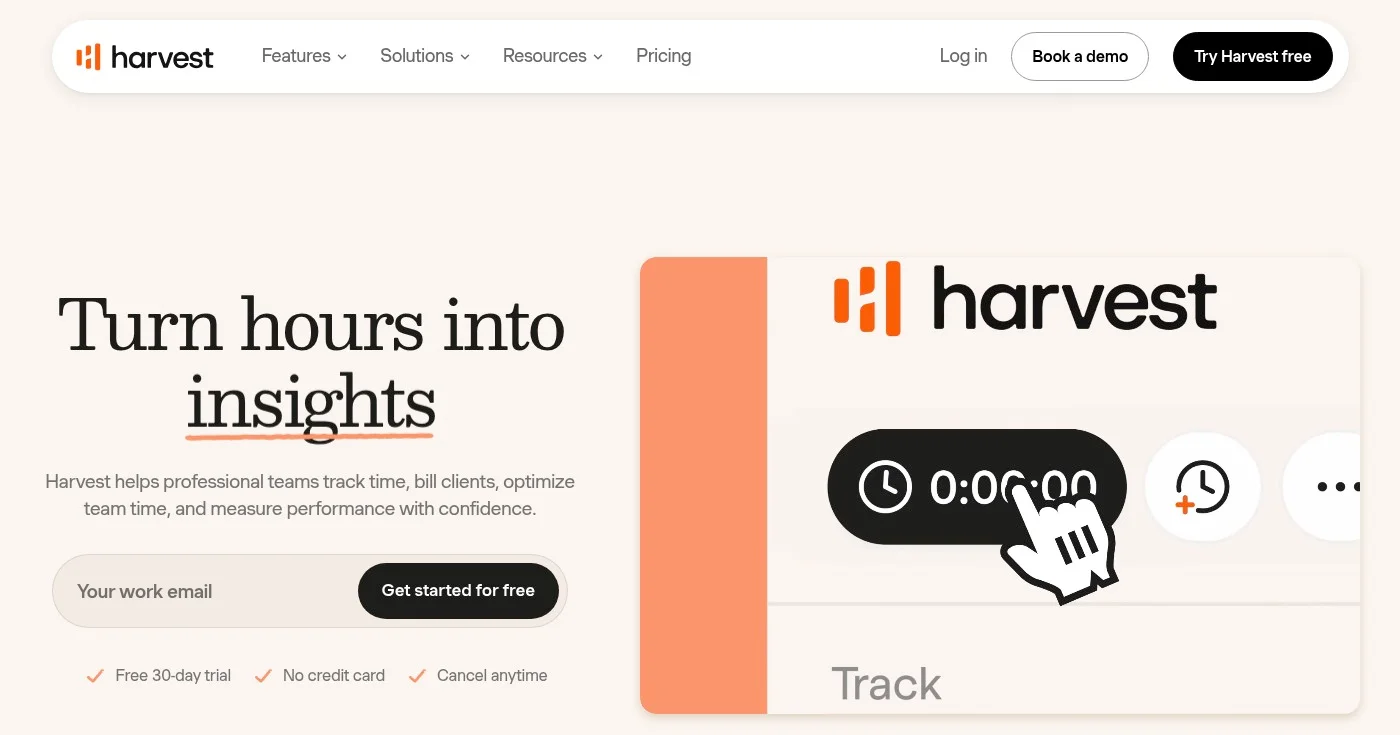
Harvest was built around the billing workflow rather than the tracking workflow. You log time on a project, Harvest aggregates it, and you generate a professional invoice for the client without opening a separate tool. Integrations with Stripe and PayPal let clients pay directly from the invoice link, closing the loop from hours tracked to payment received.
The free plan supports one seat and two projects, which covers most solo freelancers starting out. Teams pricing starts at $9/seat/mo (annual) with unlimited seats and team reporting.
Enterprise adds profitability reporting, timesheet approval, and SAML SSO. The interface has aged well: navigation is minimal, and the time-to-first-invoice workflow requires no training.
The main limitation is scope. Harvest is a billing tool with time tracking, not a productivity monitoring platform. If you need GPS, screenshots, or employee activity monitoring, you'll need a different tool.
All plans come with a 30-day free trial, no credit card required.
Best for remote teams that need GPS tracking, monitoring, and payroll in one platform
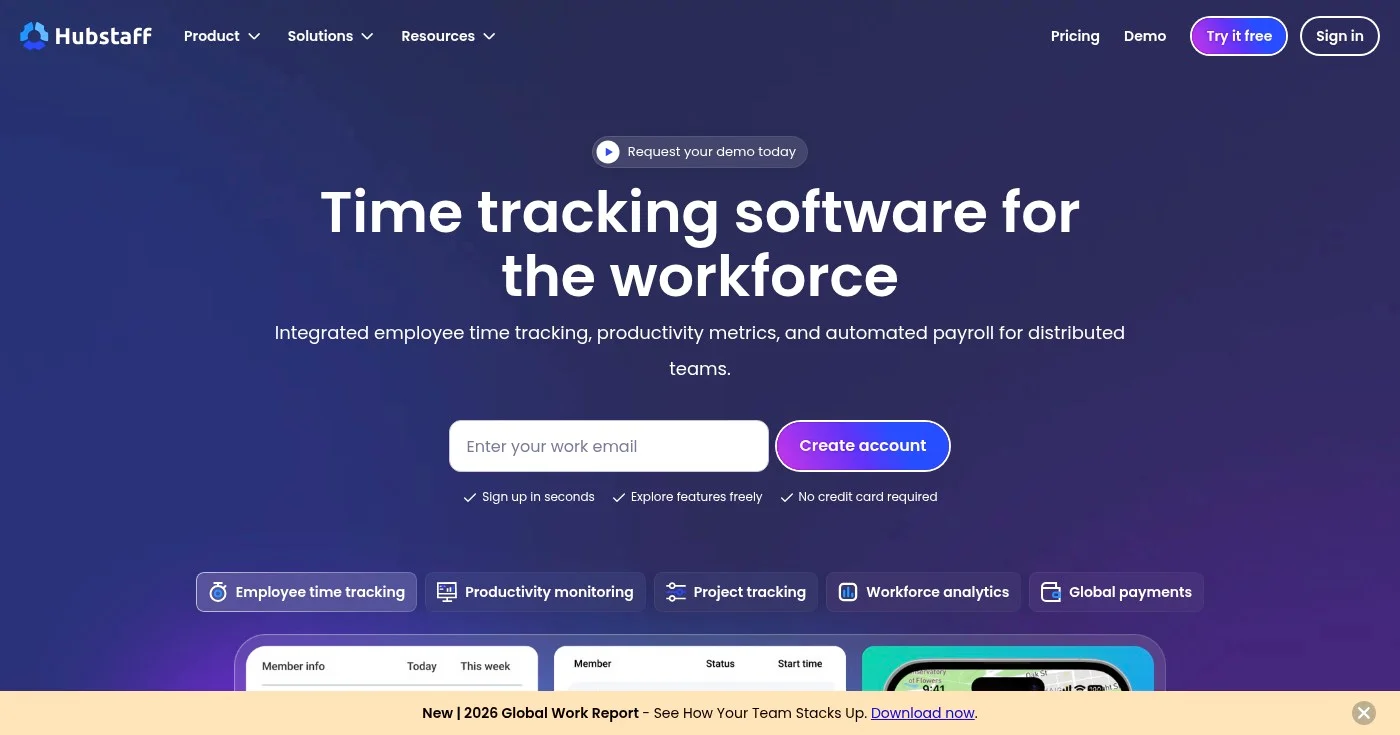
Hubstaff is a workforce management platform built for teams that are physically distributed, whether that's field workers in different cities or a fully remote engineering team. It combines time tracking with GPS location monitoring, screenshot capture, activity level scoring, and automated payroll. With 140,000+ global users, it's one of the more mature platforms in the workforce visibility space.
The practical case for Hubstaff is accountability without micromanagement. Managers see aggregated activity data and project time, while employees clock in from web, desktop, or mobile.
GPS features let field-based managers verify on-site work. Automated payroll calculates from tracked hours, removing manual calculation from the billing cycle. 85% of leaders report remote and hybrid teams perform as well as in-office counterparts when supported with the right tools.
The main caveat is pricing architecture. Starter ($4.99/user/mo) limits you to one integration; GPS, scheduling, and unlimited screenshots require the Grow plan ($7.50/user/mo). Auto payroll requires Team ($10/user/mo).
Costs escalate quickly for teams that need the full feature set.
2-seat minimum on paid plans. 14-day free trial, 30-day money-back guarantee.
Best for teams that want automatic time capture without switching to a new project workflow
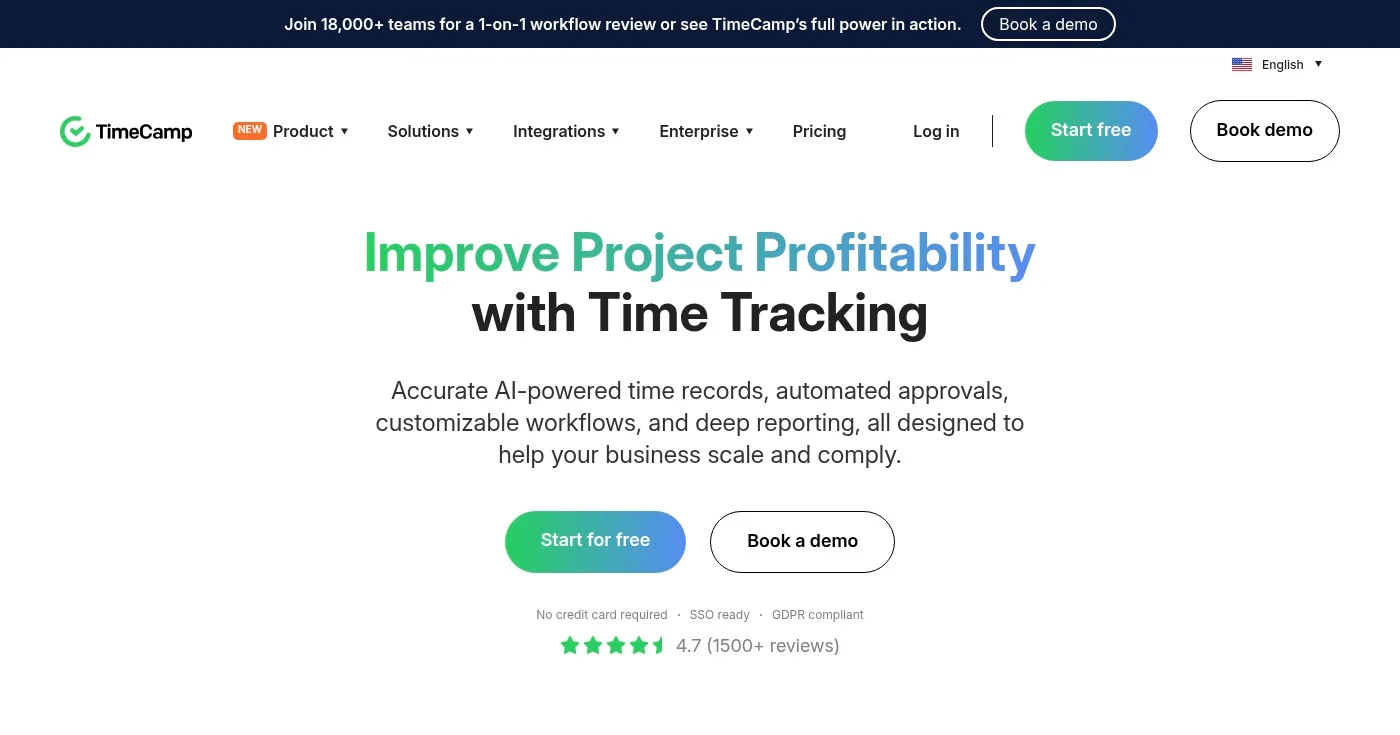
TimeCamp runs a desktop app in the background that captures every app and website your team uses, then lets you map that activity to projects and clients after the fact. This automatic capture approach solves the biggest adoption problem in time tracking: people forget to start timers. TimeCamp's free plan supports unlimited users and unlimited projects, which is rare at the $0 tier.
The Ultimate plan adds an AI Time Tracker that auto-assigns captured activity to projects based on learned patterns, reducing manual review to a few clicks. For remote teams that bill clients, the combination of automatic capture and built-in invoicing covers the full workflow without requiring additional software. TimeCamp integrates with over 100 tools on the Ultimate plan.
One note on the free plan: app and website tracking, which is the core automatic feature, requires the Premium tier ($6.99/user/mo annual). The free plan covers manual time entry and basic timesheets. Teams that want fully automatic tracking without manual entry should budget for Premium or above.
Best for knowledge workers who want automatic focus tracking without project-level detail
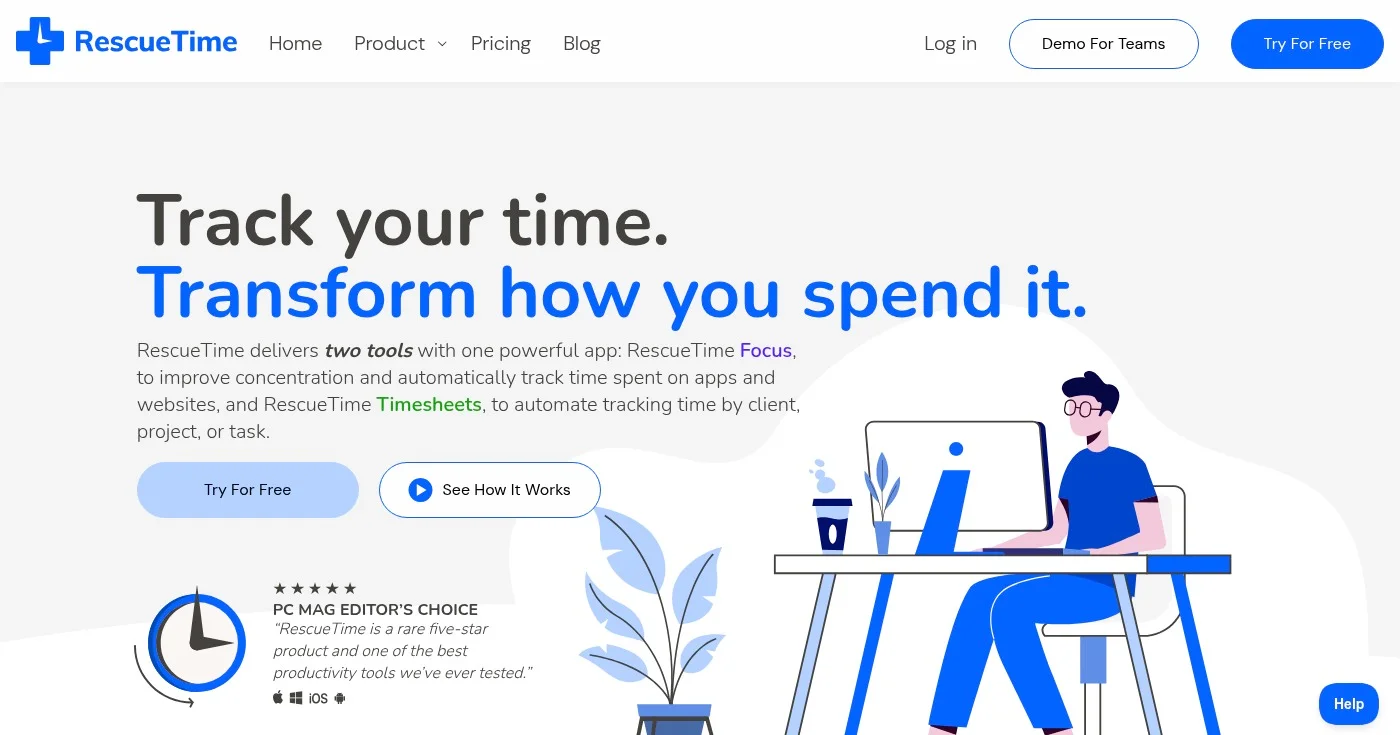
RescueTime is the outlier in this list: it does not ask you to track time against projects or clients. Instead, it runs silently in the background and categorizes every app, website, and document you interact with into productive or unproductive categories. The output is a personal productivity score and a detailed breakdown of where your day actually went.
The Focus Sessions feature lets you block distracting websites during deep work periods, and Goals let you set minimum targets for focused work each day. This makes RescueTime useful for knowledge workers who want to understand their own patterns, not just bill clients.
It pairs well with a project tracker like Harvest or Toggl for people who need both personal insight and billing data. Solo+ and Team+ tiers bundle in timesheets alongside the focus features.
RescueTime does not have a free plan. Monthly pricing starts at $7/mo (Solo Focus, billed annually), which is lower than most project-focused trackers in this list.
Best for agencies and consultancies where manual timesheet completion is a recurring problem
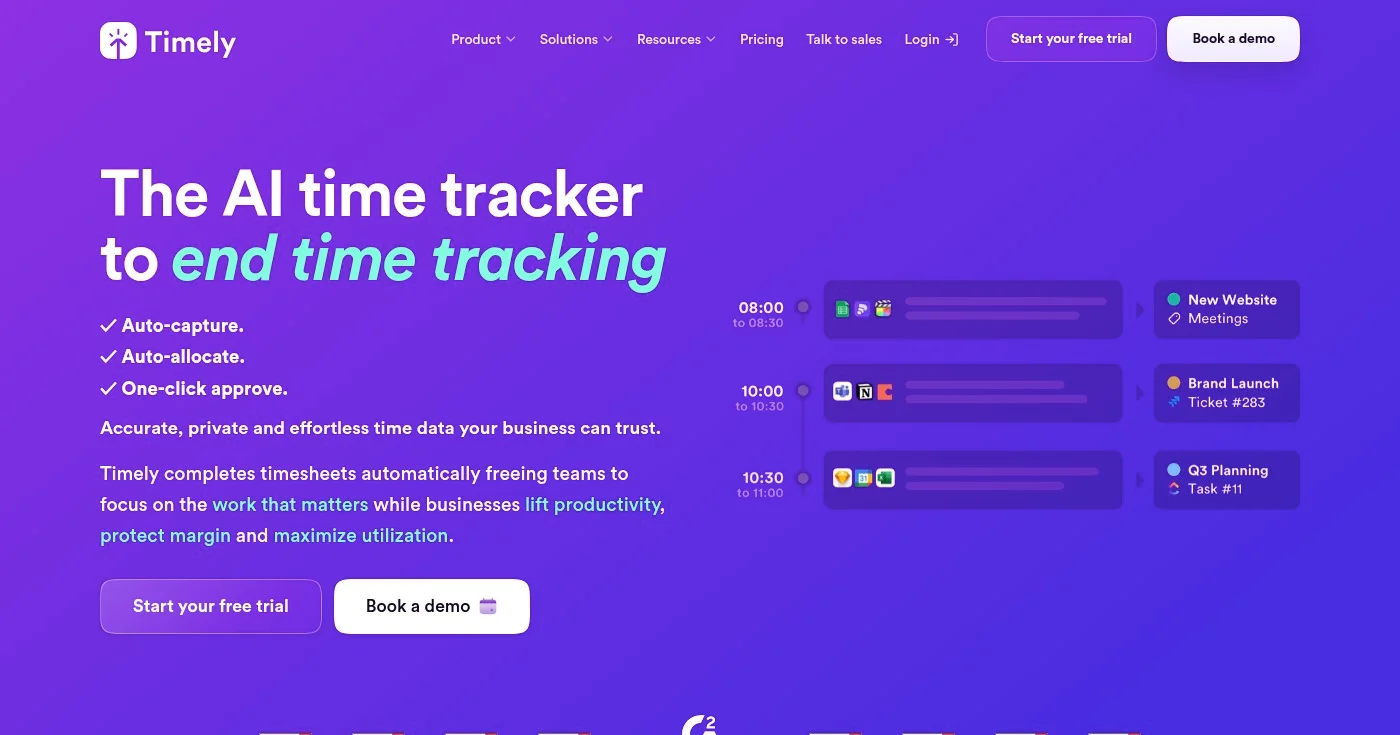
Timely markets itself as "the AI timesheet that writes itself." The premise is simple: a desktop app captures every app, website, meeting, and document worked on throughout the day. AI then auto-allocates that captured activity to projects and clients, and the user reviews a pre-filled timesheet at the end of the day with one-click approval. Trusted by 5,000+ businesses and 20,000+ users, it is particularly popular in consultancies where billable hour recovery directly affects margin.
The privacy model is a practical advantage. Individual tracking data remains private until the user submits it. Managers see submitted timesheets, not raw activity feeds.
This matters for remote teams where surveillance-style monitoring erodes trust and adoption. Timely's Unlimited plan adds capacity management, overtime tracking, and Azure User Management for larger distributed teams.
The main trade-off is price: Timely starts at $9/user/mo on annual billing, higher than manual trackers like TimeCamp or Clockify for equivalent team sizes.
Best for teams already using Asana, ClickUp, Monday, or Linear who want time tracking in-context
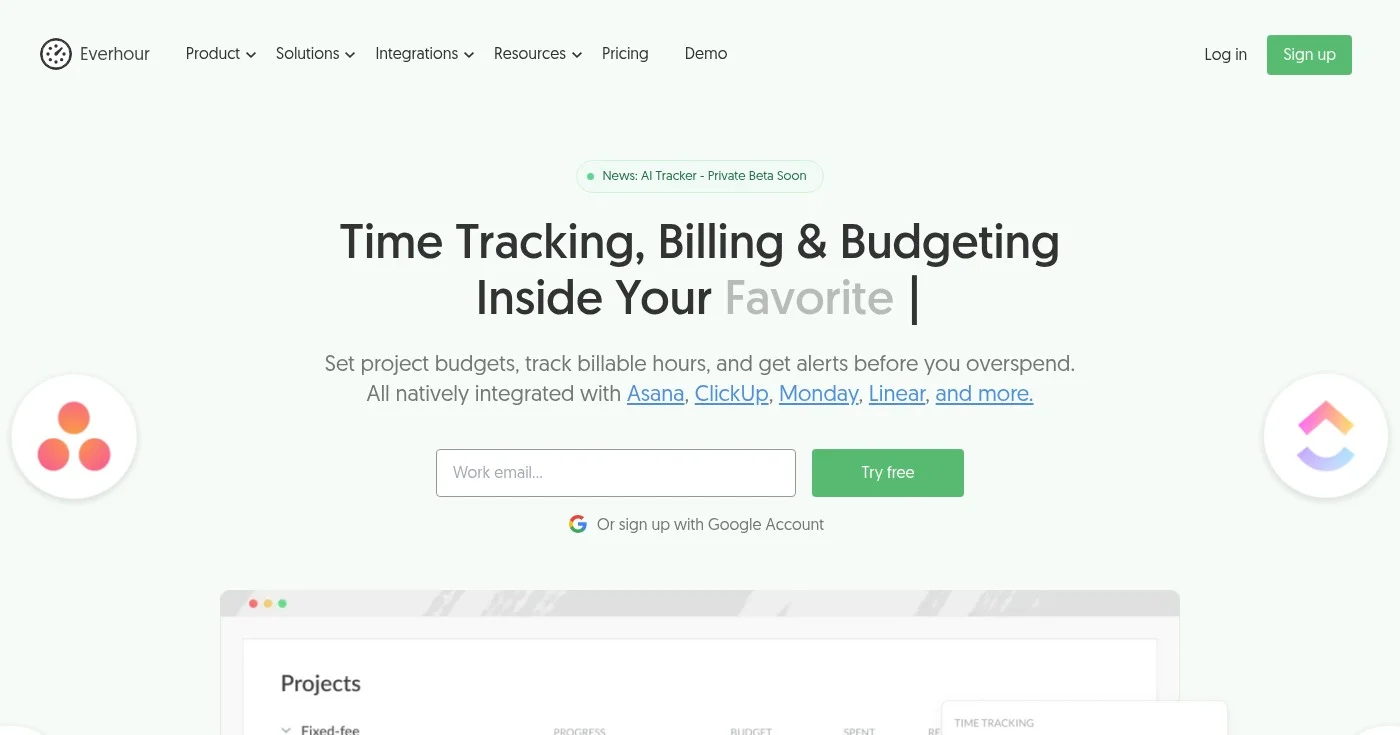
Everhour takes a different approach to adoption: instead of asking your team to open a separate time tracking tool, it embeds its controls directly inside Asana, ClickUp, Monday.com, Trello, and Linear. A timer button and logged time appear next to each task in your existing project management interface. There is no new app to install, no new login to manage, and no separate dashboard to train people on.
For teams that already live in their project management tool, this is the lowest-friction time tracking option available. Everhour adds project budgets, billing rates, client invoicing, and real-time budget alerts to the PM tool workflows your team already has.
An AI Tracker is in private beta as of 2026. The free plan covers up to 5 seats with basic tracking and reports, making it accessible for small teams evaluating the fit before committing.
The limitation is that Everhour only works well if your team already uses one of the supported PM integrations. Standalone use without a connected PM tool is functional but misses the main value proposition.
Best for managers who want automatic productivity monitoring with document-level visibility
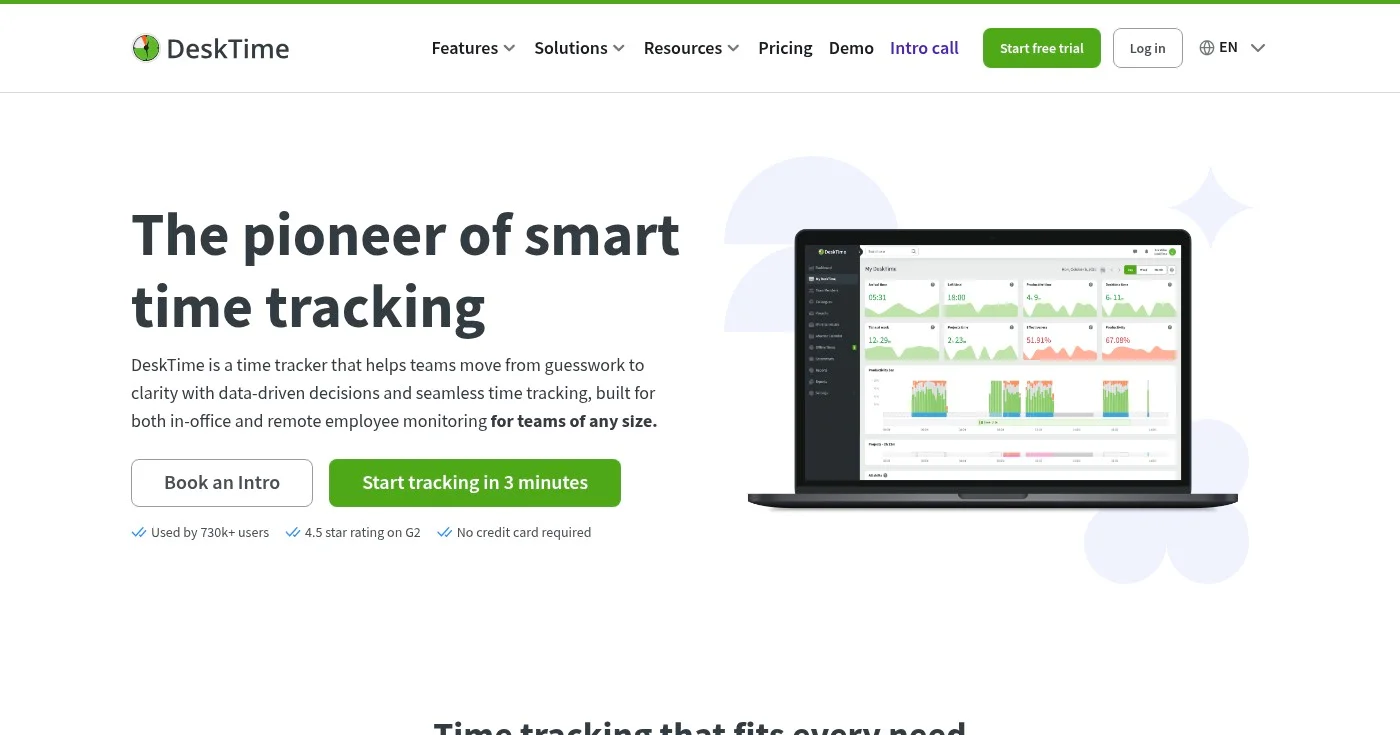
DeskTime runs automatic tracking at the desktop level, recording which applications and URLs employees use throughout the day. Its standout feature is document title tracking: beyond knowing that an employee used Microsoft Word or Chrome, DeskTime captures the actual document name, email subject line, or browser tab title. This provides a level of granularity that most time trackers skip.
The platform includes shift scheduling and an absence calendar, making it one of the few time trackers that also handles basic workforce scheduling. Productivity calculations categorize apps and websites as productive, unproductive, or neutral based on rules you set.
Premium adds screenshots for proof-of-work and full API access, along with integrations for Jira, Asana, and Trello.
The main criticism is that the monitoring depth can feel intrusive for desk-based remote teams that don't need GPS or activity-level oversight. Teams that prioritize trust over visibility tend to prefer lighter tools like Toggl Track or Harvest.
14-day free trial available.
Best for distributed teams that need workforce analytics, screen recording, and payroll in one platform
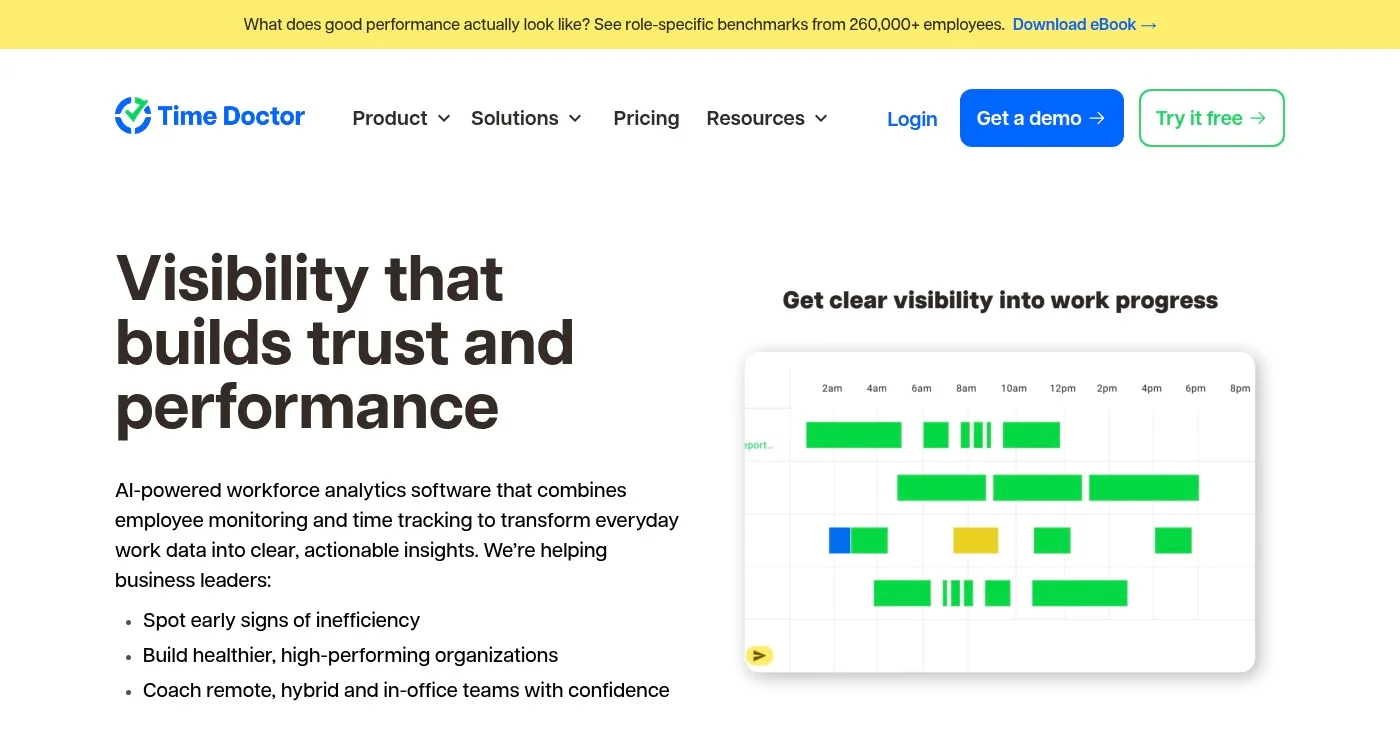
Time Doctor is the most analytics-heavy tool in this list, built for organizations that want deep visibility into distributed workforce productivity. Standard tracking is automatic, capturing apps, websites, and on/offline status. Beyond that, the Premium plan adds screen recording, meeting insights, mouse jiggler detection (to flag idle-but-appearing-active sessions), and an executive dashboard.
Payroll is available on the Standard plan and above, calculating directly from tracked hours. With 60+ integrations on the Standard plan, Time Doctor connects to most project management, HR, and payroll systems.
The Benchmarks AI feature (Premium) compares individual and team productivity against internal benchmarks, surfacing performance outliers. For remote-first companies that need unified productivity data alongside global payroll, Time Doctor covers more than any basic tracker in this list.
The trade-off is setup complexity. Getting the most from Time Doctor requires configuring productivity ratings, schedules, and integrations upfront, and the interface is denser than simpler tools like Harvest or Toggl Track.
14-day free trial, no credit card required.
The best time tracking tool depends on what you're tracking time for. Harvest remains the default for freelancers and small agencies focused on billing. Clockify is the clearest answer for teams that need a capable free plan.
For remote teams managing distributed workforces, Hubstaff covers GPS, monitoring, and payroll in one platform. If adoption is the problem rather than features, Timely's AI-powered automatic capture removes the friction that causes most time tracking tools to fail.
For more on building time management systems that support remote work, and how to apply these tools inside a time management tips framework, see the Timeeting guide library.
Fireflies AI is worth Business at $19/seat billed yearly if you will review HubSpot Autofill drafts. Skip Pro. This is the meeting-notes app, not Adobe Firefly.

Four team task management software picks for 2026: Asana, ClickUp, Todoist, Linear. Things 3 is the personal foil. Pricing, free-plan traps, and seat limits.

The 10 best AI PowerPoint generators ranked by speed, design quality, and ecosystem fit — including enterprise failure modes most reviews miss.
